How to Use the Long Multiplication Calculator
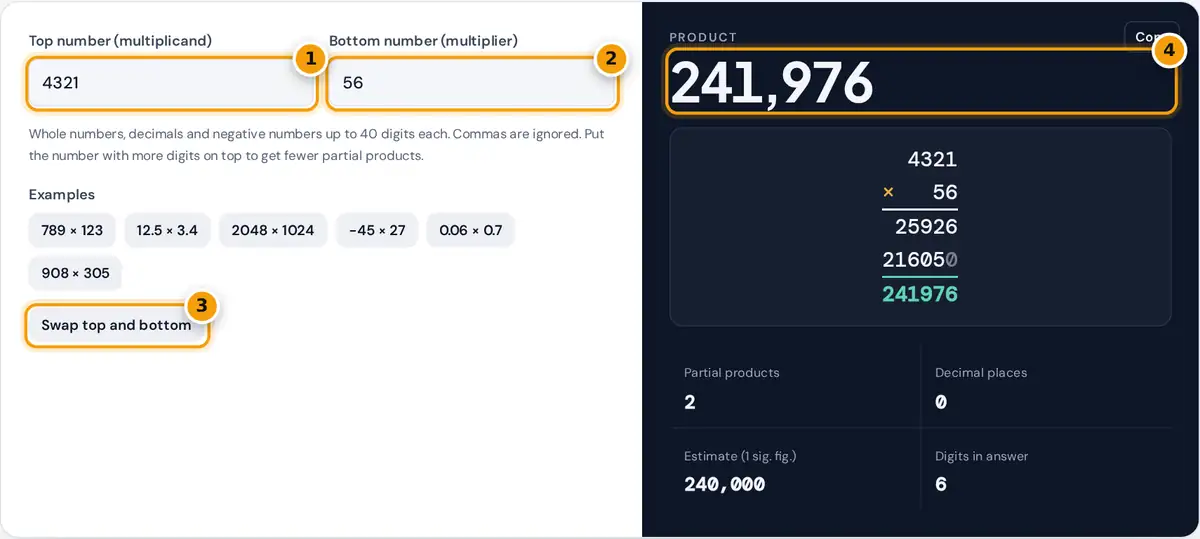
- Enter the top number (multiplicand). Decimals and negatives are fine.
- Enter the bottom number (multiplier).
- Swap the numbers to compare layouts with fewer partial products.
- Read the product, then the column layout and the digit-by-digit steps below.
Type the top number (the multiplicand) and the bottom number (the multiplier). The answer appears at once, together with the full written method: the two numbers lined up on the right, one partial product for each digit of the bottom number, and the final sum underneath. Placeholder zeros are shown in a lighter color so you can see where each row is shifted.
Below the tool, the step-by-step working explains every partial product digit by digit, including each carry, and then adds the rows column by column. Decimals and negative numbers are accepted. Use Swap top and bottom to compare the two possible layouts, and the estimate to check that the answer is the right size.
The Long Multiplication Method
Long multiplication, also called the standard algorithm or column multiplication, breaks a hard product into easy single-digit products. It works because of place value: multiplying by 56 is the same as multiplying by 6 and by 50 and adding the results.
- Write the numbers in columns, lined up on the right.
- Multiply the top number by the ones digit of the bottom number, working right to left and carrying the tens digit of each product into the next column.
- Move to the tens digit. Write one placeholder zero first, then multiply as before. Each further digit adds another zero.
- Add all the partial products to get the answer.
Worked Example: 4,321 × 56
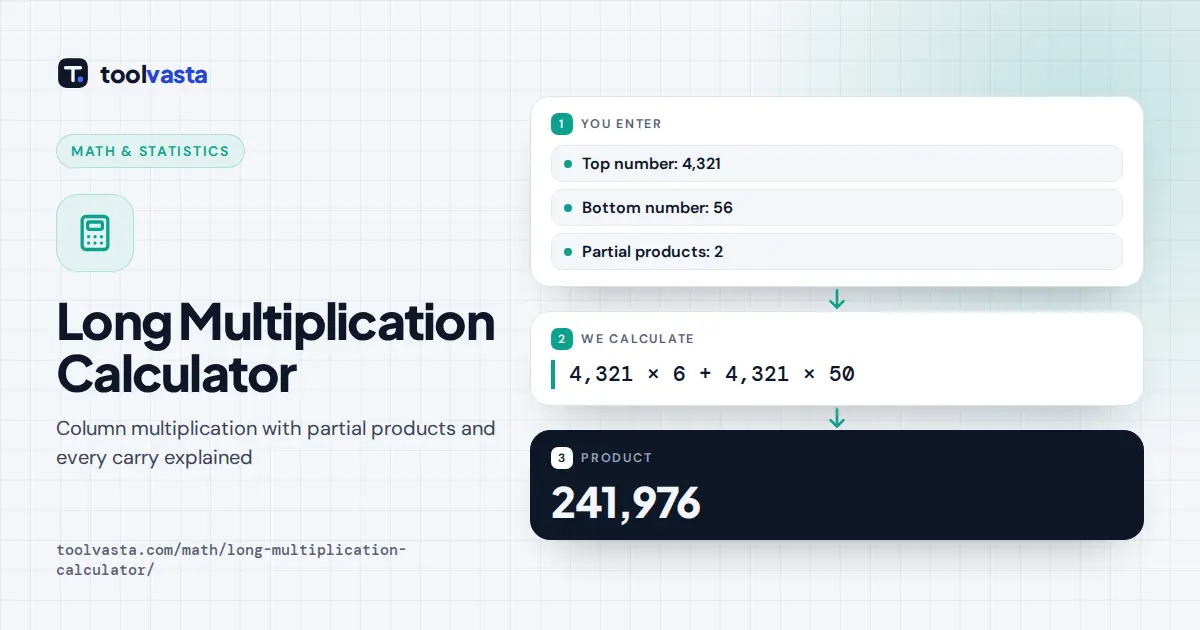
Multiply by the ones digit, 6: 6 × 1 = 6, write 6. 6 × 2 = 12, write 2 and carry 1. 6 × 3 = 18, plus 1 is 19, write 9 and carry 1. 6 × 4 = 24, plus 1 is 25, write 25. The first partial product is 25,926.
Multiply by the tens digit, 5. Write a placeholder zero, then 5 × 1 = 5, 5 × 2 = 10 (write 0, carry 1), 5 × 3 = 15 plus 1 is 16 (write 6, carry 1) and 5 × 4 = 20 plus 1 is 21. The second partial product is 216,050.
Add the rows: 25,926 + 216,050 = 241,976. The estimate 4,000 × 60 = 240,000 confirms that the answer is the right size.
Multiplying Decimals the Long Way
Ignore the decimal points, multiply the digits as whole numbers, then count the total number of decimal places in both factors and place the decimal point that many digits from the right of the answer.
| Problem | Whole-number product | Decimal places | Answer |
|---|---|---|---|
| 12.5 × 3.4 | 125 × 34 = 4,250 | 1 + 1 = 2 | 42.50 = 42.5 |
| 0.06 × 0.7 | 6 × 7 = 42 | 2 + 1 = 3 | 0.042 |
| 2.25 × 1.2 | 225 × 12 = 2,700 | 2 + 1 = 3 | 2.700 = 2.7 |
| 908 × 305 | 908 × 305 = 276,940 | 0 | 276,940 |
Notice the 0.06 × 0.7 row: the product 42 has only two digits, so a leading zero is added to make room for three decimal places.
Tips to Avoid Mistakes
- Line digits up on the right, not on the left. Squared paper helps keep columns straight.
- Add the carry after you multiply, never before.
- Do not skip the placeholder zeros. Forgetting one shifts a whole row and is the most common error.
- When the bottom number has a 0 digit, its row is all zeros. Many people skip that row and add an extra placeholder zero to the next one instead.
- Estimate first by rounding each number to one significant figure. If your answer is far from the estimate, recheck the carries.
- Signs are handled last: one negative factor gives a negative product, and two negatives give a positive.
Related Methods and Limits
The grid (box) method and the lattice method produce the same partial products in a different layout, so you can use this page to check homework done either way. The calculator accepts up to 40 digits per number and uses exact whole-number arithmetic, so even very long answers have no rounding. Digit-by-digit carries are written out when the top number has up to 20 digits.
Frequently asked questions
How do you do long multiplication?
Write the numbers in columns lined up on the right. Multiply the top number by each digit of the bottom number, adding a placeholder zero for each place you move left, then add the partial products.
Why do you add a zero in long multiplication?
The zero is a place holder. When you multiply by the tens digit you are really multiplying by a multiple of ten, so the row moves one place to the left. The zero keeps the digits in the right columns.
How do you multiply decimals using long multiplication?
Ignore the decimal points and multiply as whole numbers. Then count the decimal places in both factors and put the decimal point that many places from the right of the product.
What is a partial product?
A partial product is the result of multiplying the top number by one digit of the bottom number, shifted to the correct place value. Adding all the partial products gives the final answer.
Which number should go on top?
Either order gives the same answer. Putting the number with more digits on top means fewer partial products to add, which usually means fewer chances to make an error.
How can I check a long multiplication answer?
Round each number to one significant figure and multiply to estimate the size of the answer. You can also swap the numbers, or divide the product by one factor to get the other.