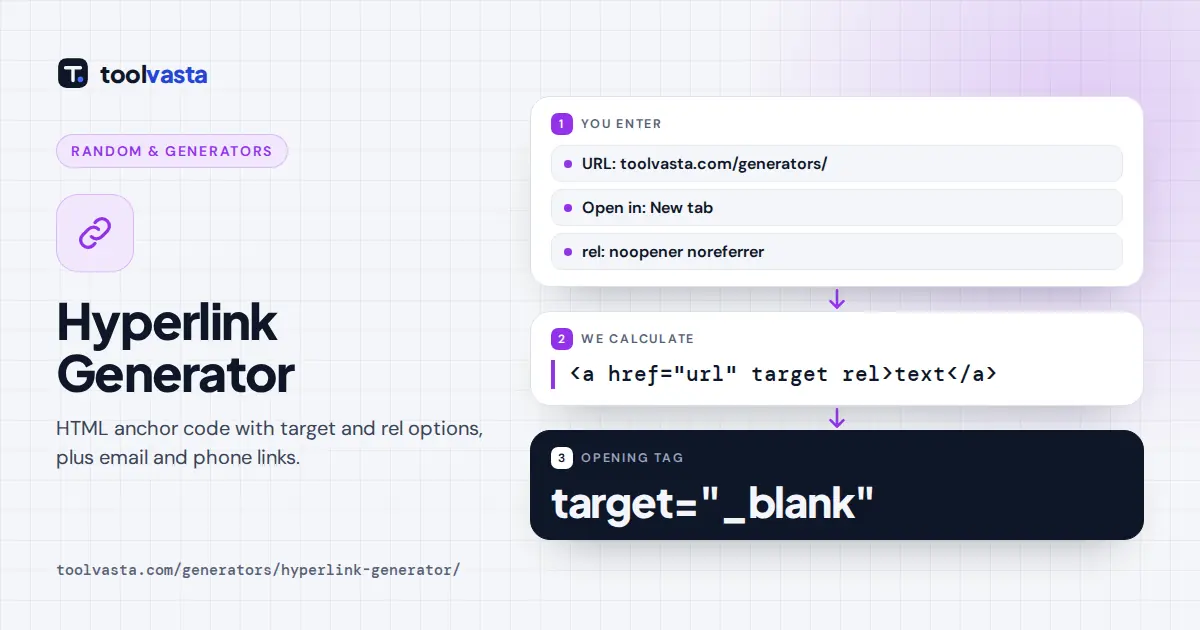
How to Use the Hyperlink Generator
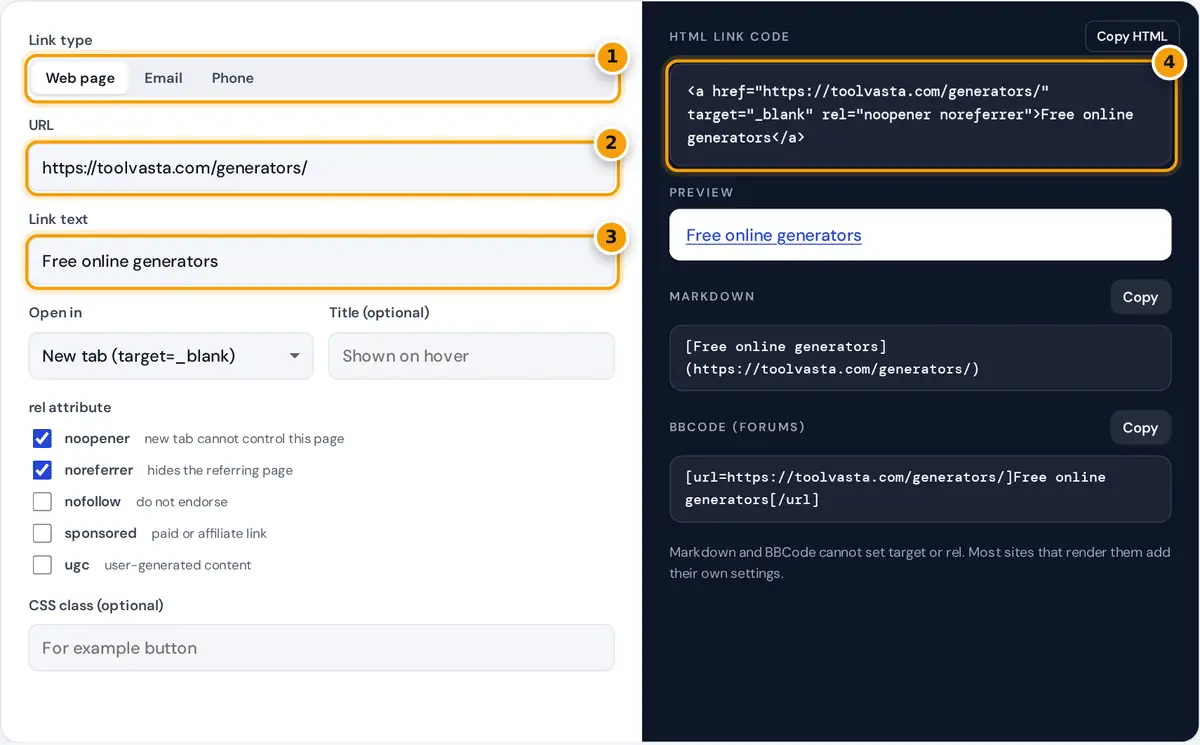
- Choose a web page, email or phone link.
- Enter the URL. https:// is added if you leave it out.
- Type the clickable link text.
- Copy the HTML, or use Markdown or BBCode below.
Choose the link type: a web page, an email address or a phone number. Enter the address and the link text people will click. For web links, choose whether the link opens in the same tab or a new tab, add an optional title that appears on hover, and tick any rel values you need. The HTML code, a live preview, Markdown and BBCode update as you type.
Press Copy HTML to copy the anchor tag, or use the copy buttons for Markdown and BBCode. If you type an address like example.com without https://, the generator adds it for you and tells you so. Unsafe javascript: and data: links are refused.
Anatomy of an HTML Link
A hyperlink in HTML is an anchor element. The href attribute holds the destination, and the text between the opening and closing tags is what people click.
The default example on this page produces:
| Attribute | What it does |
|---|---|
| href | The address of the page, file, email or phone number |
| target="_blank" | Opens the link in a new tab or window |
| rel | Describes the relationship to the linked page, separated by spaces |
| title | Extra information shown as a tooltip on hover |
| class | Lets your CSS style the link, for example as a button |
Choosing Rel Values
- noopener stops the new tab from controlling your page through window.opener. Modern browsers apply this automatically for target="_blank", but adding it is a good habit for older browsers.
- noreferrer also hides your page's address from the destination site, and implies noopener.
- nofollow tells search engines you do not vouch for the linked page.
- sponsored marks paid links, ads and affiliate links. Google asks site owners to label these links.
- ugc marks links inside user-generated content such as comments and forum posts.
You can combine values, such as rel="sponsored noopener". Normal editorial links to pages you trust need no rel value at all.
Email and Phone Links
An email link uses mailto: and opens the visitor's email app. The generator adds an optional subject and message, encoding spaces and special characters so they arrive intact. For example, the subject Hi there becomes mailto:hello@example.com?subject=Hi%20there. A phone link uses tel: followed by the number without spaces or punctuation, so +1 (555) 123-4567 becomes tel:+15551234567. Including the country code makes the link work for visitors in any country.
Absolute and Relative Links
An absolute link includes the full address, such as https://example.com/pricing/, and works from anywhere, including emails and other websites. A relative link leaves out the domain, such as /pricing/ for a page on the same site, or #faq to jump to a section of the current page. Relative links keep working if you move a site to a new domain, but they only make sense inside that site. This generator accepts both: start with a slash for a page on the same site, or with # for a section on the same page.
Best Practices for Links
- Write descriptive link text. "Download the 2026 price list" helps readers and screen reader users far more than "click here."
- Use new tabs sparingly. Opening a new tab can surprise people. It is most useful for external sites and for documents people will return from.
- Prefer HTTPS. Link to the secure version of a site whenever one exists.
- Check your links. Click the preview to confirm the destination before you publish.
- Keep link text unique. Several links that all say "read more" are confusing in a list of links. Make each one describe its destination.
The W3C and the WHATWG HTML standard define how anchors and their attributes work. See the HTML standard entry for the a element for full details.
Frequently asked questions
How do I create a hyperlink in HTML?
Use an anchor tag: put the address in the href attribute and the clickable text between the tags, for example a href equals your URL. This generator writes the code for you and escapes special characters.
How do I make a link open in a new tab?
Add target="_blank" to the anchor tag. Choose New tab in the generator and it adds the target attribute together with rel="noopener" for security. Use new tabs mainly for external sites.
When should I use nofollow or sponsored?
Use sponsored for paid, advertising and affiliate links, ugc for links in comments or forum posts, and nofollow for other links you do not want to endorse. Normal trusted links need none.
How do I make an email link?
Choose Email, type the address and an optional subject and message. The generator builds a mailto link with the text encoded correctly, so clicking it opens the visitor's email app.
How do I make a clickable phone number?
Choose Phone and type the number with its country code. The generator removes spaces, brackets and dashes and builds a tel link, so mobile visitors can tap it to call.
Can I get the link in Markdown?
Yes. The Markdown version appears below the HTML, in the form of link text in square brackets followed by the URL in round brackets. BBCode for forums is shown too.