How to Use the YouTube Name Generator
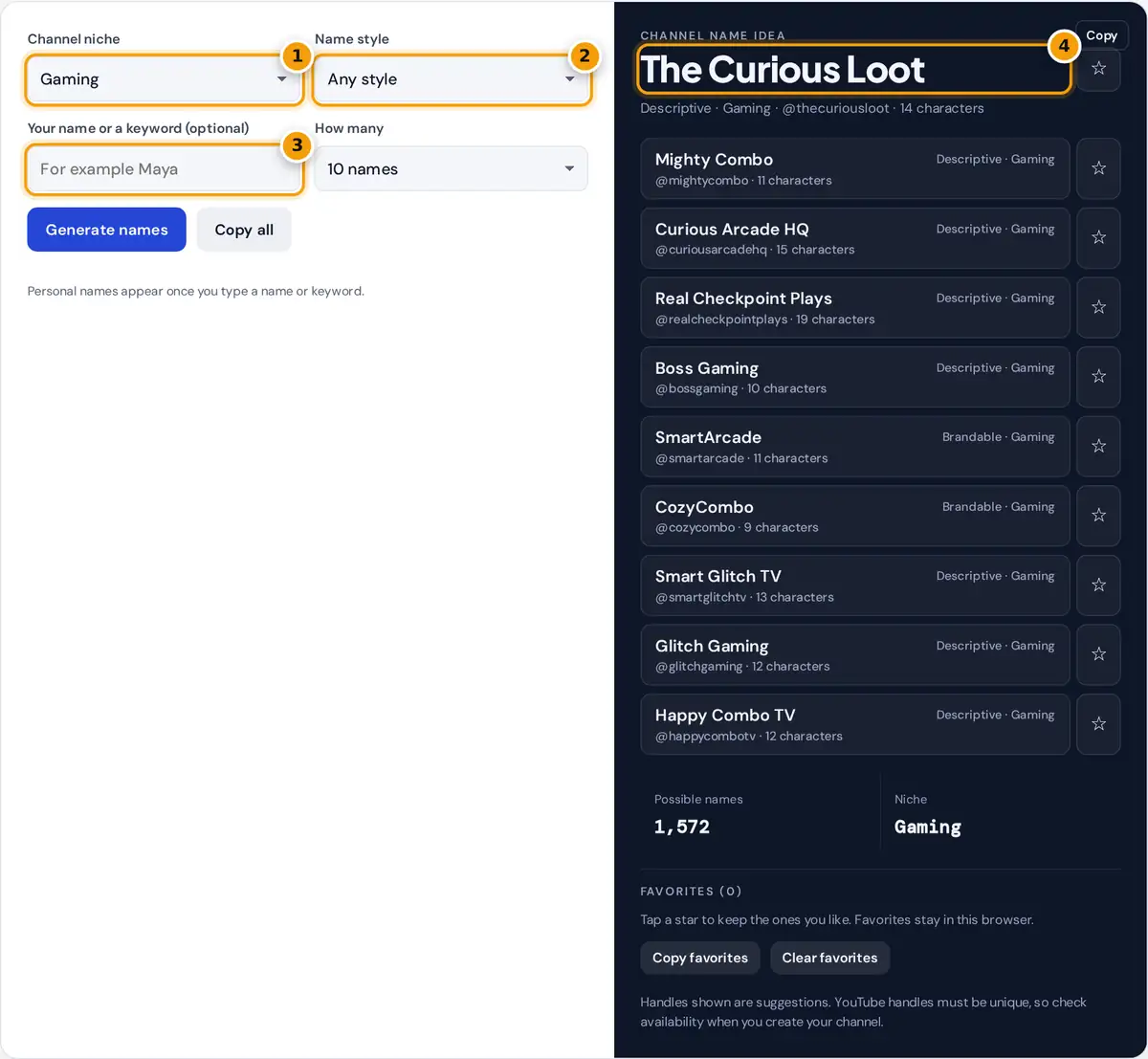
- Choose your channel niche, such as gaming, cooking or tech.
- Pick a name style: personal, brandable or descriptive.
- Optionally add your name or a keyword for personal names.
- Read the name and its @handle. Copy it or star it to shortlist.
Choose your channel niche, such as gaming, cooking or tech, and a name style, then press Generate names. Type your first name or a keyword to unlock personal names such as "Maya Cooks" or "Maya's Pantry". Each idea shows a matching @handle with its length, so you can see straight away whether it fits YouTube's handle rules.
Click a name to copy it, tap the star to save it, or use Copy all to share a shortlist with friends. Favorites stay in this browser, so you can collect ideas over a few days before you decide.
Three Name Styles
| Style | Pattern | Example | Best for |
|---|---|---|---|
| Personal | [your name] [suffix] | Maya Cooks | Creators who appear on camera |
| Brandable | [word][suffix], one word | PixelPlays | Channels that may grow into a brand or team |
| Descriptive | [adjective] [niche word] | The Cozy Pantry | Clear, searchable topics |
Personal names build trust because viewers connect with a person. Brandable names are easier to trademark and to hand over to a team later. Descriptive names tell new viewers what to expect before they click.
How Many Names Are Possible?
Each niche has 12 topic words and 6 suffixes, and every niche shares 12 adjectives such as Cozy, Epic and Curious. Counts are worked out pattern by pattern:
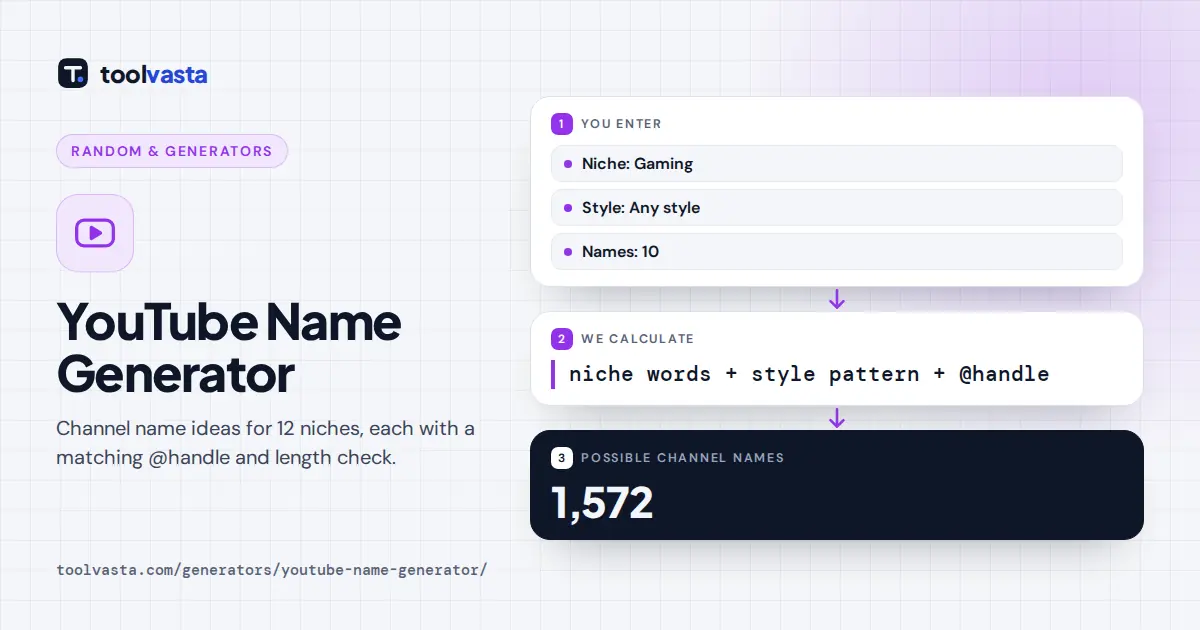
Worked example: in the gaming niche without a keyword, the brandable patterns give 12 × 6 + 12 × 12 + 12 × 11 = 348 names, and the descriptive patterns give 144 + 864 + 72 + 144 = 1,224, for 1,572 in total. Adding a keyword unlocks the personal patterns too. Across all 12 niches there are 18,864 names without a keyword.
YouTube Handle Rules
Every channel has a unique handle that starts with @, used in mentions, comments and the channel's web address. According to YouTube's help pages, a handle must be 3 to 30 characters long and can use letters, numbers, underscores, hyphens and periods. The generator lowercases your name, removes spaces and apostrophes and shows the character count. Handles are first come, first served, so check availability when you set up the channel and be ready with a second choice.
Tips for Choosing a Channel Name
- Say it out loud. If people cannot spell it after hearing it once, they will struggle to search for it.
- Keep it short. Two or three words, or one compound word, are easiest to remember and fit neatly on thumbnails.
- Leave room to grow. A name tied to one game or one recipe can feel narrow if your channel expands.
- Check other platforms. Look for the same handle on the social networks you plan to use, so fans can find you everywhere.
- Avoid other brands. Do not use another company's trademark in your channel name.
This is an independent tool and is not affiliated with YouTube. Names are random combinations of common words, so search before you commit to make sure no one else is using yours.
A Quick Channel Name Checklist
Before you commit, run your favorite through a short test. Can a friend spell it after hearing it once? Does it still make sense if your content changes in a year? Is the handle free on YouTube and on the other platforms you use? Does it look good in a small circle next to your profile picture?
It also helps to search the name in quotation marks to see what else appears. If a large brand or another creator already uses something similar, pick a different suffix or adjective from your list. Changing a channel name later is possible, but keeping one name from the start makes it easier for viewers to find and remember you.
Frequently asked questions
How do I come up with a YouTube channel name?
Decide on your niche and whether you want a personal or brand name, then generate a list and shortlist the ones that are short, easy to spell and fit your content. Check the handle is free.
Can I use my own name in a channel name?
Yes. Type your first name or a keyword and the generator adds personal patterns such as Maya Cooks, Maya's Pantry or Cozy Maya, each with a matching handle.
How long can a YouTube handle be?
According to YouTube's help pages, a handle must be 3 to 30 characters and can use letters, numbers, underscores, hyphens and periods. The generator shows each handle's length.
Should my channel name match my handle?
It helps. A matching handle makes your channel easier to find and mention. If your exact name is taken, add a short word such as TV, HQ or Live.
What makes a good gaming channel name?
Good gaming names are short, energetic and easy to shout, such as PixelPlays or Respawn Zone. Avoid names tied to one game, so your channel can grow with you.
Are these YouTube names available?
The generator cannot check availability on YouTube. Names are random combinations of common words, so search YouTube for the name and try the handle when you create or rename your channel, keeping a second choice ready.