How to Use the Scattergories Generator
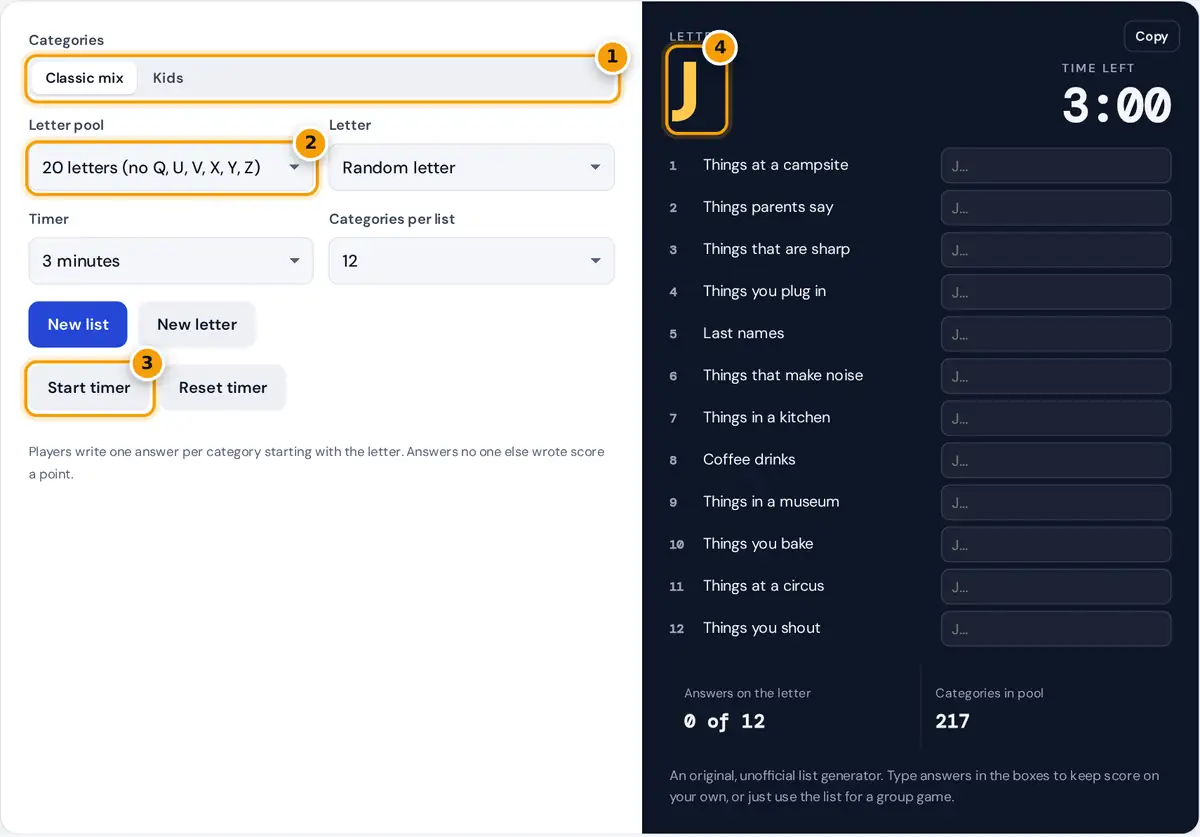
- Choose the classic mix or the simpler kids categories.
- Pick the 20-letter pool or all 26 letters.
- Start the countdown when everyone is ready.
- Write an answer for each category that starts with this letter.
Press New list to get a random letter and a list of 12 categories. Press Start timer, and every player writes one answer for each category that starts with the letter before time runs out. When the alarm sounds, compare answers. Press New letter to play the same list again with a different letter, as you would roll the letter die in the board game.
Choose Kids for simpler categories such as animals, toys and things at the beach. Set the letter pool to the 20 standard letters, which leaves out the hard letters Q, U, V, X, Y and Z, or to all 26 for a tougher game. If you already rolled a letter with a physical die, set it in the Letter menu. Solo players can type answers in the boxes: answers that start with the letter turn green and are counted.
Scoring Rules
- Each answer must start with the letter and fit the category. Leading words such as "a", "an" and "the" usually do not count toward the letter.
- After the timer ends, players read their answers aloud one category at a time.
- An answer scores 1 point only if no other player wrote the same answer. Duplicates score nothing.
- Many groups give a bonus point for each extra word that also starts with the letter, such as "Big Blue Bear" for the letter B.
- Any player can challenge an answer, and the group votes on whether it counts.
- Play three rounds with new lists and add up the scores. Highest total wins.
How the List Is Built
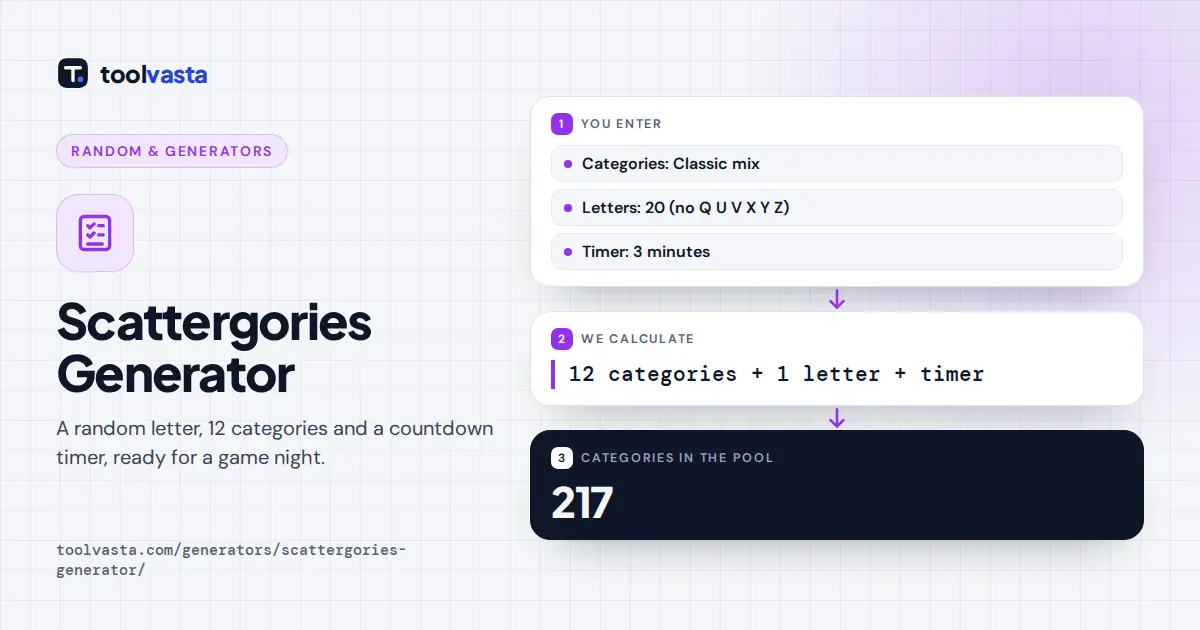
Categories are drawn without repeats from a pool of 217 original categories (60 in Kids mode), and the letter is drawn from your chosen pool. Both use your browser's cryptographic random source.
Worked example: with the 20-letter pool, each letter has a 1 ÷ 20 = 5% chance, compared with about 3.8% (1 ÷ 26) when all letters are in play. The New letter button never rolls the same letter twice in a row, so you always get a fresh round.
| Setting | Letters | Chance per letter | Best for |
|---|---|---|---|
| 20 letters | A to T plus W, without Q | 5.0% | Most games and families |
| All 26 letters | A to Z | 3.8% | Experienced players |
Choosing a Timer Length
Three minutes is a comfortable default for adults with 12 categories. Use 2 minutes for a faster game, or 4 minutes for young children and new players. With 6 or 10 categories, shorten the timer in proportion. The timer keeps accurate time even if your phone's screen dims, and it plays a short alarm at zero.
Tips for Better Answers
- Aim for answers others will not think of. The obvious answer is usually a duplicate.
- Use adjectives that start with the letter to earn bonus points where your group allows them.
- Skip hard categories and come back to them, rather than freezing on one.
- For classrooms, project the list on a screen and let teams play together.
This is an independent, unofficial list generator with original categories, and it is not affiliated with the maker of any board game.
Fun Variations
Once your group knows the basics, try a twist. In team mode, pairs share one sheet and whisper answers. In speed mode, use 6 categories and a 1 minute timer. In alliteration mode, only answers with two or more words starting with the letter score. For classrooms, link the categories to a subject, such as animals or countries, and play with the kids list.
You can also play solo as a vocabulary workout. Set a letter, start the timer and type answers in the boxes. The counter shows how many start with the right letter, so you can try to beat your best score with a new list each day.
Frequently asked questions
How do you play Scattergories with this generator?
Press New list for a letter and 12 categories, then start the timer. Everyone writes an answer for each category starting with the letter. Unique answers score a point, and duplicates score nothing.
Which letters are left out of the game?
The standard 20-letter pool leaves out Q, U, V, X, Y and Z because few words start with them. Choose All 26 letters for a harder game.
How long is a round?
A typical round with 12 categories lasts about 3 minutes. This generator lets you choose from 1 to 4 minutes and plays a short alarm when time runs out.
Can kids play?
Yes. Choose the Kids setting for 60 simpler categories such as animals, toys, desserts and things at the beach, and set a longer timer such as 4 minutes.
How many categories are there?
The generator has 217 original categories, 60 of them in the simpler Kids set. Each list draws 12 different categories at random, and you can also choose shorter lists of 6 or 10 categories for quicker rounds.
Can I check my answers?
Type an answer in the box next to each category. It turns green if it starts with the letter and red if it does not, and the count updates as you type.