How to Use the Random Paragraph Generator
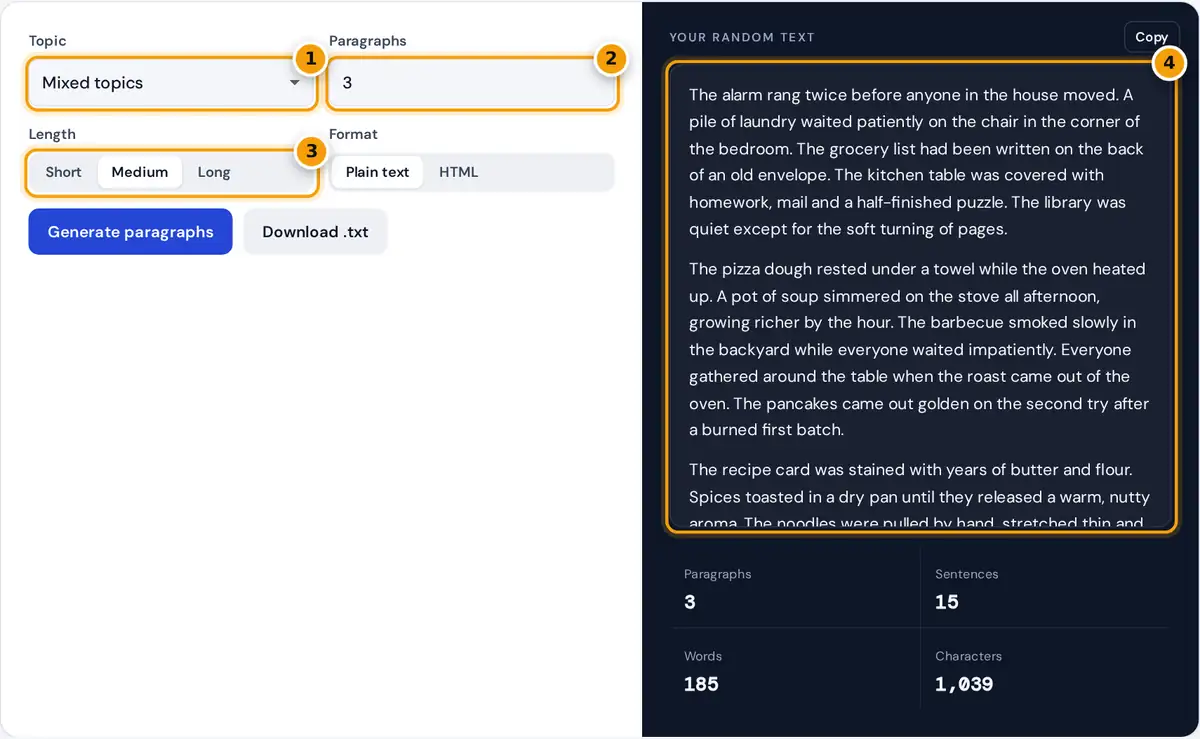
- Choose a topic or keep mixed topics.
- Set the number of paragraphs from 1 to 10.
- Pick short, medium or long paragraphs.
- Read the paragraphs, then copy or download them.
Choose a topic, or keep Mixed topics for variety, then set how many paragraphs you need, from 1 to 10. Pick a length: Short paragraphs have 3 sentences, Medium 5 and Long 7. The text appears instantly, with counts of paragraphs, sentences, words and characters below it.
Choose Plain text to copy paragraphs separated by blank lines, or HTML to get each paragraph wrapped in <p> tags, ready to paste into a web page or template. Press Copy for the clipboard, or Download to save a .txt file (or an .html file in HTML mode). Press Generate again for a new set.
How the Paragraphs Are Made
Instead of Latin-looking filler, the generator uses a library of 168 hand-written English sentences, 24 for each of 7 topics: nature, city life, travel, food and cooking, technology, everyday life, and ocean and beach. Each paragraph draws from a single topic, so the sentences belong together and read naturally, even though their order is random.
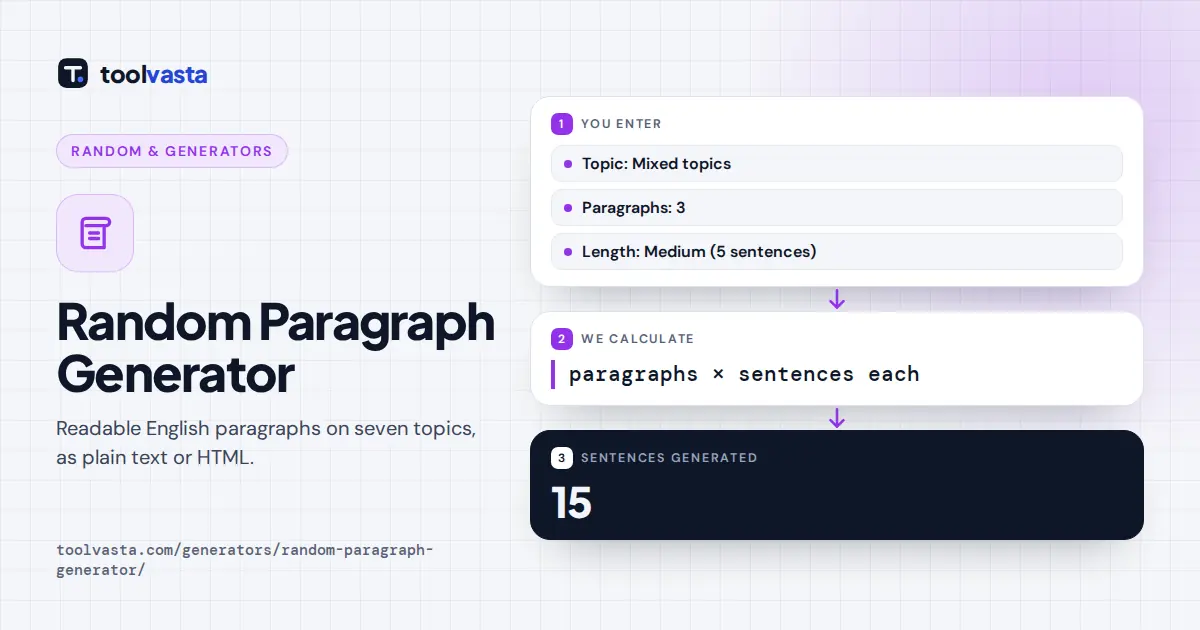
3 medium paragraphs = 3 × 5 = 15 sentences
Within a paragraph a sentence never repeats. The generator works through a shuffled deck of a topic's sentences and only reshuffles when the deck runs out, so you see as much variety as possible. With Mixed topics, each paragraph picks its topic at random.
| Length | Sentences | Typical words |
|---|---|---|
| Short | 3 | about 30 to 50 |
| Medium | 5 | about 55 to 75 |
| Long | 7 | about 80 to 105 |
What Random Paragraphs Are Good For
- Typing practice. Real sentences with punctuation and capital letters are better practice than random words, and the topics keep it interesting.
- Design and layout. Readable text shows how a page really looks, including line length and paragraph rhythm, better than lorem ipsum.
- Testing software. Use realistic text to test forms, word counters, text areas, databases and content management systems.
- Teaching and learning. Teachers can use paragraphs for reading aloud, proofreading drills, summarizing exercises and English language practice.
- Writing warm-ups. Read a random paragraph and continue the scene in your own words.
Random Paragraphs vs Lorem Ipsum
Lorem ipsum is scrambled Latin that has been used as placeholder text for a very long time. It is useful when you want readers to ignore the words and focus on design. Real English is better when you want to judge readability, test spell checkers and hyphenation, or show a client how a page will feel with real content. Because these paragraphs are made of complete, natural sentences, they also work for typing tests and reading practice, where lorem ipsum would be meaningless.
The Seven Topics
Each topic has its own voice. Nature paragraphs describe forests, rivers, weather and wildlife. City life covers commuters, markets, rooftops and late-night diners, while travel follows trains, ferries, maps and small hotel rooms. Food and cooking paragraphs are full of kitchen smells and family recipes, technology paragraphs deal with laptops, updates and stubborn printers, and everyday life covers chores, neighbors and quiet evenings at home. Ocean and beach paragraphs bring waves, tide pools and lighthouses. The sentences avoid facts, dates, brand names and real people, so the text never goes out of date and never makes claims you would need to check.
Tips for Using the Text
For a typing test, choose Long paragraphs and a single topic so the text flows. For a web mockup, choose HTML so you can paste the result straight into your code. Need an exact word count? Generate a few paragraphs and watch the Words figure, then add or remove a paragraph until you are close. All sentences are original and family friendly, so you can use the text anywhere.
Frequently asked questions
How do I generate random paragraphs?
Choose a topic, set the number of paragraphs from 1 to 10 and pick short, medium or long. The paragraphs appear instantly, and you can copy them or download them as a text file.
Is the text real English or lorem ipsum?
It is real, readable English. Every sentence is hand-written and grouped by topic, so paragraphs make sense when read aloud, unlike lorem ipsum, which is scrambled Latin.
How many sentences are in each paragraph?
Short paragraphs have 3 sentences, medium paragraphs have 5 and long paragraphs have 7. The stats panel shows the exact number of sentences, words and characters you generated.
Can I get the paragraphs as HTML?
Yes. Choose HTML and each paragraph is wrapped in p tags, ready to paste into a web page, email template or content management system. Download saves it as an .html file.
Can I use the paragraphs for typing practice?
Yes. The sentences include normal punctuation, capital letters and varied words, which makes them good practice text. Choose long paragraphs on one topic for a smooth typing test.
Are the paragraphs free to use?
Yes. The sentences are original and family friendly, so you can use them freely in mockups, classrooms, test data, presentations, practice materials and other projects without attribution.