How to use the random question generator
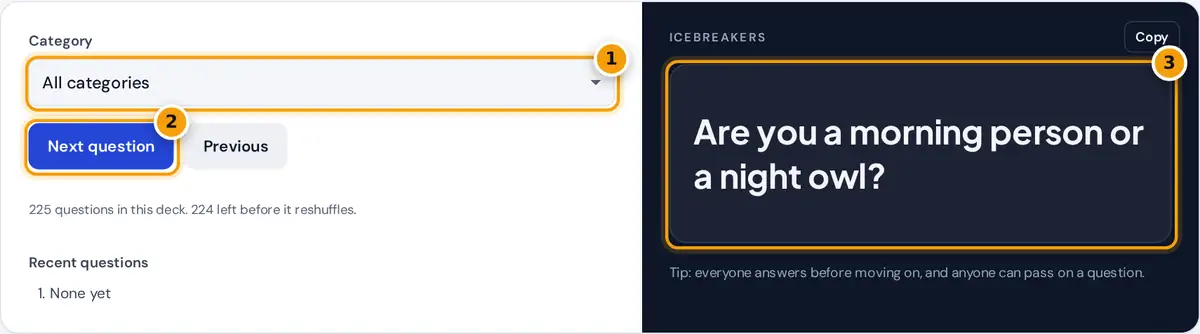
- Pick a category, such as icebreakers, deep questions or would you rather, or keep all.
- Press Next question to draw a new one. Previous takes you back.
- Read the question out loud, or copy it to share in chat.
Choose a category, or keep All categories for a mix, and press Next question. Each question appears large enough to read across a table or share on a video call. Press Previous to go back, and the last few questions are listed so nobody loses track. On a computer you can also press the space bar for the next question.
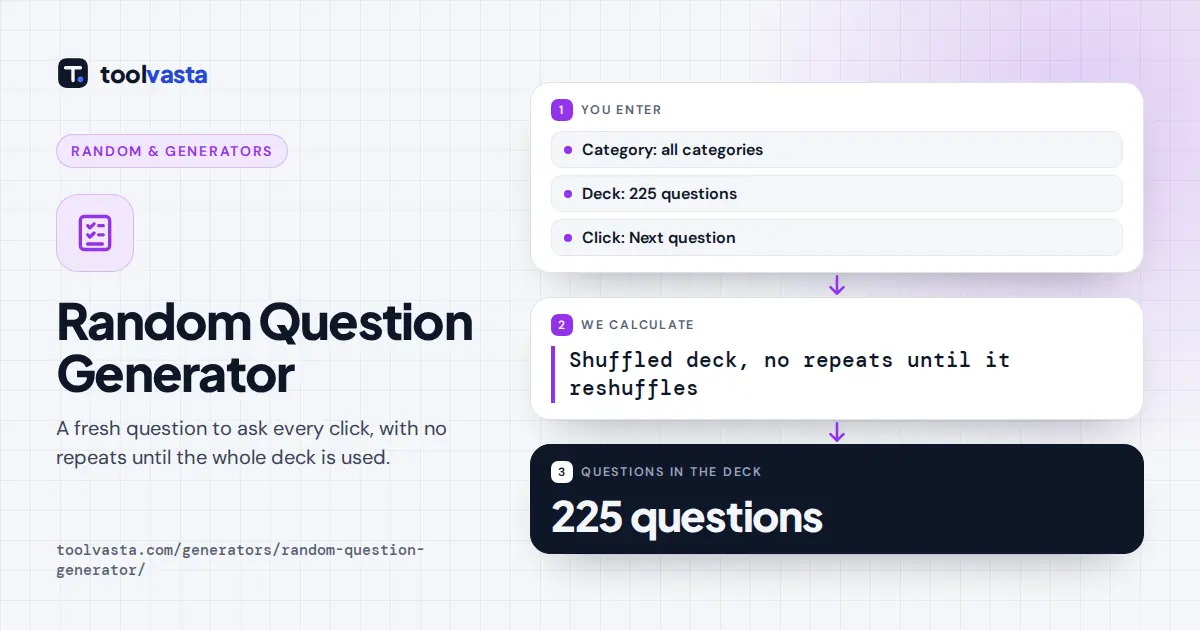
Questions are dealt from a shuffled deck, so you will not see a repeat until every question in the category has been used. Changing the category starts a fresh deck.
Question categories
| Category | Questions | Example |
|---|---|---|
| Icebreakers | 25 | If you could have any job for one day, what would it be? |
| Deep questions | 25 | What does a perfect ordinary day look like for you? |
| Funny questions | 25 | If animals could talk, which would be the rudest? |
| Would you rather | 25 | Would you rather live by the beach or in the mountains? |
| This or that | 25 | Pizza or burgers? |
| For kids | 25 | What is the best part of your day? |
| For couples | 25 | What is your favorite memory of us? |
| Work and team | 25 | What does a productive day look like for you? |
| Hypothetical | 25 | If you could have dinner with anyone from history, who would it be? |
| Total | 225 |
Every question was written for this tool to be open-ended, friendly and suitable for mixed company, including classrooms, families and workplaces. The deep questions are reflective but avoid painful topics, so people can answer as personally as they like.
How the questions are picked
At the start of a full deck, each of the 225 questions has a 1 in 225 chance of coming first, about 0.4%. Within a single category of 25 questions, the first pick has a 1 in 25 chance, or 4%, and every question appears exactly once over 25 presses. The shuffle uses your browser's cryptographic random source.
Tips for great conversations
- Everyone answers. Go around the circle so quieter people get a turn, and allow anyone to pass.
- Ask a follow-up. "Why?" or "What happened next?" turns a quick answer into a real story.
- Match the setting. Use Icebreakers and This or that for new groups, Funny questions for parties, and Deep questions for close friends.
- Keep it moving. For a meeting warm-up, set a two-minute limit and answer just one question each.
- Answer it yourself first. If you are leading, sharing your own answer sets the tone and makes others comfortable.
Where to use random questions
Teachers use them for morning meetings and community circles. Managers open team meetings and retrospectives with a light question. Families use them at dinner and on road trips, couples use them for date nights, and friends use them to fill a quiet moment at a party or on a long walk. The For kids category is written for younger children, with simple wording and imaginative prompts.
Frequently asked questions
How many questions are in the random question generator?
There are 225 original questions in 9 categories of 25, including icebreakers, deep questions, funny questions, would you rather, this or that, kids, couples, work and hypothetical questions.
Will the same question come up twice?
Not until the deck runs out. Questions are shuffled and dealt one at a time, so every question in the category appears once before the deck reshuffles.
What are good icebreaker questions?
Light, open questions that anyone can answer, such as your go-to snack, a hobby you would like to try or the best advice you have received. Choose the Icebreakers category for 25 of them.
Are the questions appropriate for kids and work?
Yes. All questions are written to be family-friendly and workplace-safe. The For kids and Work and team categories are tailored to those groups.
Can I go back to a previous question?
Yes. Press Previous to step back through the questions you have already seen, then Next question to return.