How to Use the Hreflang Generator
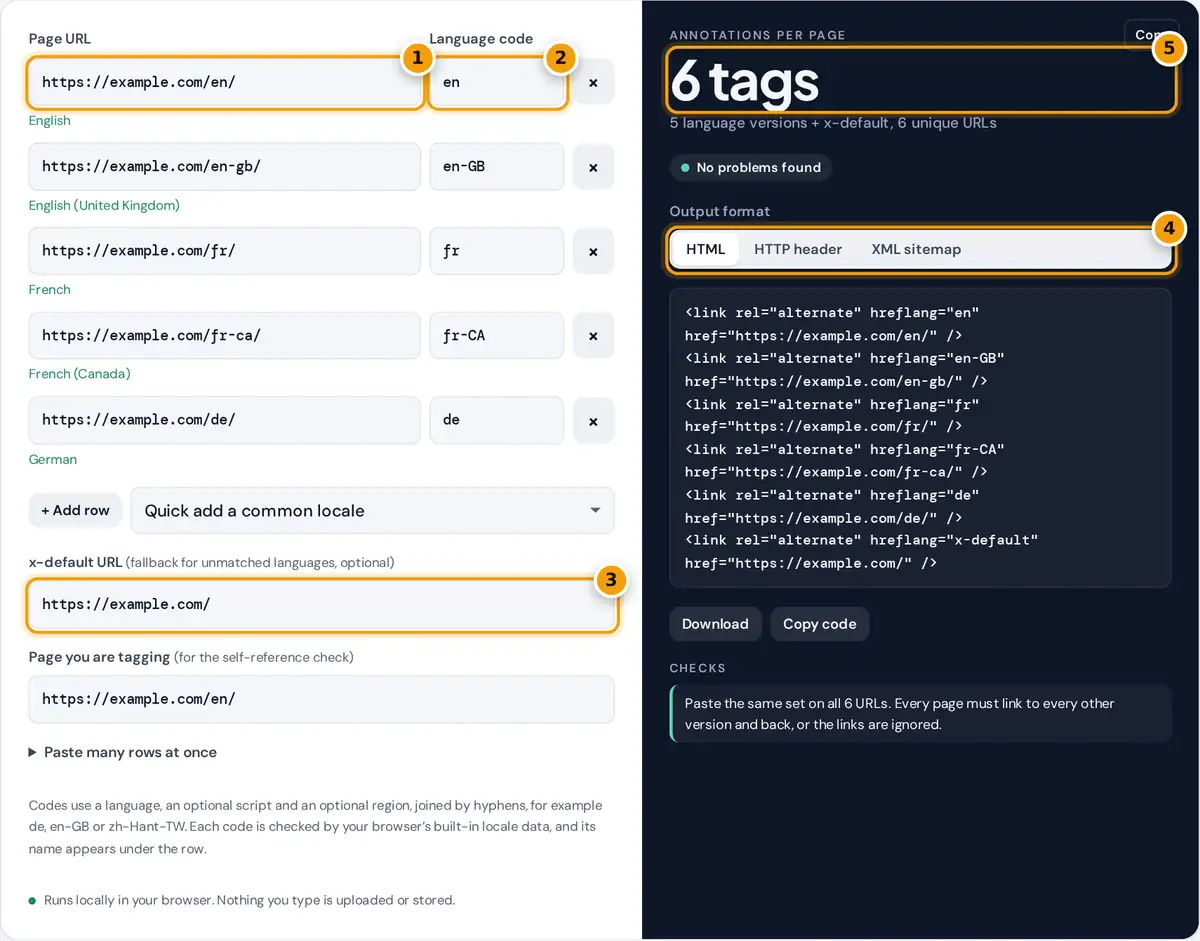
- Enter the full URL of each language version, one row per page, starting with https://.
- Type its language or language-region code, such as de or en-GB. The name appears below so typos stand out.
- Add an x-default URL for visitors whose language matches none of your versions.
- Choose HTML link elements, an HTTP Link header or XML sitemap entries, then copy or download.
- Check the tag count and the checks list for duplicates, missing self-references and bad URLs.
Enter one row for each language or regional version of the page: its full URL and its code. Type a code by hand or pick one from Quick add a common locale, which also guesses a URL from your first row that you can then edit. Under each row the tool shows what the code means, such as “English (United Kingdom)”, so a typo shows up at once. Add an x-default URL for visitors whose language matches none of the rows, often a language picker or your main home page.
Choose an output format and copy or download the result. The Checks list flags duplicate codes, relative URLs, mixed http and https, unrecognized codes, and a missing self-reference for the page named in Page you are tagging. To move a list over from a spreadsheet, open Paste many rows at once and paste one code and URL per line.
How Hreflang Codes Are Built
An hreflang value is a language tag in the format of RFC 5646 (BCP 47), limited to the parts search engines use:
language: ISO 639-1 · region: ISO 3166-1 alpha-2
The language is required and the region is optional, so de targets German speakers anywhere while de-AT targets German speakers in Austria. A region on its own is not valid. Case does not matter to search engines, but the standard form is a lowercase language and an uppercase region. Rather than relying on a fixed table, this tool asks your browser’s built-in locale data to parse each tag and name its parts. Codes that come back unnamed are flagged for checking, and old or alias codes are rewritten to their current form.
Three Ways to Deliver Hreflang
Google reads hreflang from any of three places. Pick one method per set of pages; mixing them adds work without benefit.
| Format | Where it goes | Best for |
|---|---|---|
| HTML link elements | The <head> of every listed page | Normal web pages, small to medium sites |
| HTTP Link header | The server response for every listed URL | PDFs and other files with no HTML head |
| XML sitemap | An xhtml:link block inside each <url> entry | Large sites, or when templates are hard to edit |
The details are described in Google’s guide to localized versions of your pages.
Worked Example
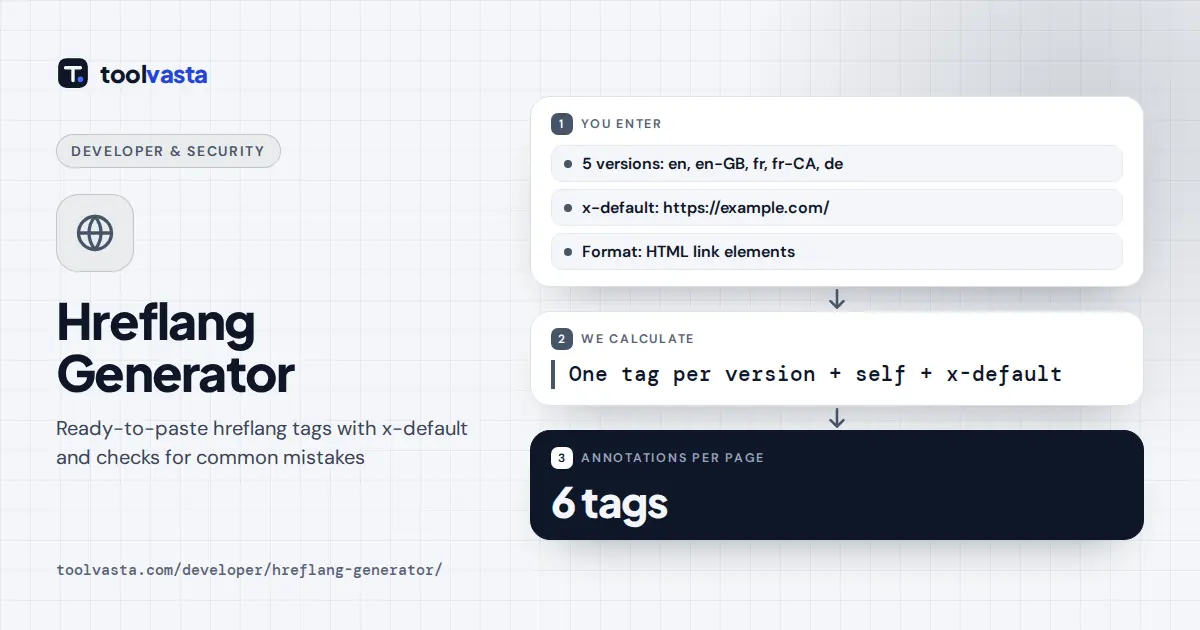
The default set has five versions: en, en-GB, fr, fr-CA and de, plus an x-default pointing to the home page. That gives 6 tags per page: one for each version, including the page itself, and one for x-default. The x-default URL is also a page in the set, so six URLs each carry the same six annotations, 36 in total. In the XML sitemap format this becomes six <url> entries with six xhtml:link lines each.
Rules That Make Hreflang Work
- Return links. If page A points to page B, page B must point back to page A. One-way links are ignored.
- Self-reference. Each page lists itself as well as its alternates.
- Absolute, canonical URLs. Use the full URL with protocol, exactly as in the page’s canonical tag. Do not point hreflang at redirects or at pages that are blocked or set to noindex.
- One URL per code. The same code cannot point to two URLs. One URL can carry several codes, such as en-CA and en-US for a shared English page.
- Common slips. The United Kingdom is GB, not UK, and an underscore as in en_US is invalid.
Limits
Hreflang is a hint, not a directive. It helps search engines show the right version in results but does not redirect visitors, and it does not fix duplicate content on its own. Name recognition depends on the locale data in your browser, so a rare but valid code can be flagged; check it against the standard before changing it. For related markup, try the developer tools.
Frequently asked questions
What is an hreflang tag?
It is a link element, header or sitemap entry that tells search engines which language and region each version of a page is for. They use it to show searchers the version that matches their language or country.
Does every page need a self-referencing hreflang tag?
Yes. Each page should list itself along with all of its alternates. The simplest way is to paste the identical set of tags on every version, which this generator produces.
What does x-default mean in hreflang?
x-default names the page to show when a searcher's language or region matches none of your listed versions. It is often a language selector page or the main home page. It is optional but recommended.
Is it en-UK or en-GB for British English?
Use en-GB. Hreflang regions use ISO 3166-1 alpha-2 country codes, and the code for the United Kingdom is GB. This generator rewrites en-UK to en-GB and tells you it did.
Should I use HTML tags or a sitemap for hreflang?
Either works, and both carry the same information. HTML tags suit most sites. A sitemap is easier for very large sites, and HTTP headers are the only option for files such as PDFs.
Why are my hreflang tags being ignored?
The usual causes are missing return links, relative or redirected URLs, URLs that differ from the canonical, invalid codes, or the same code used for two pages. The checks list in this tool flags most of these.