How to Use the Superscript Generator
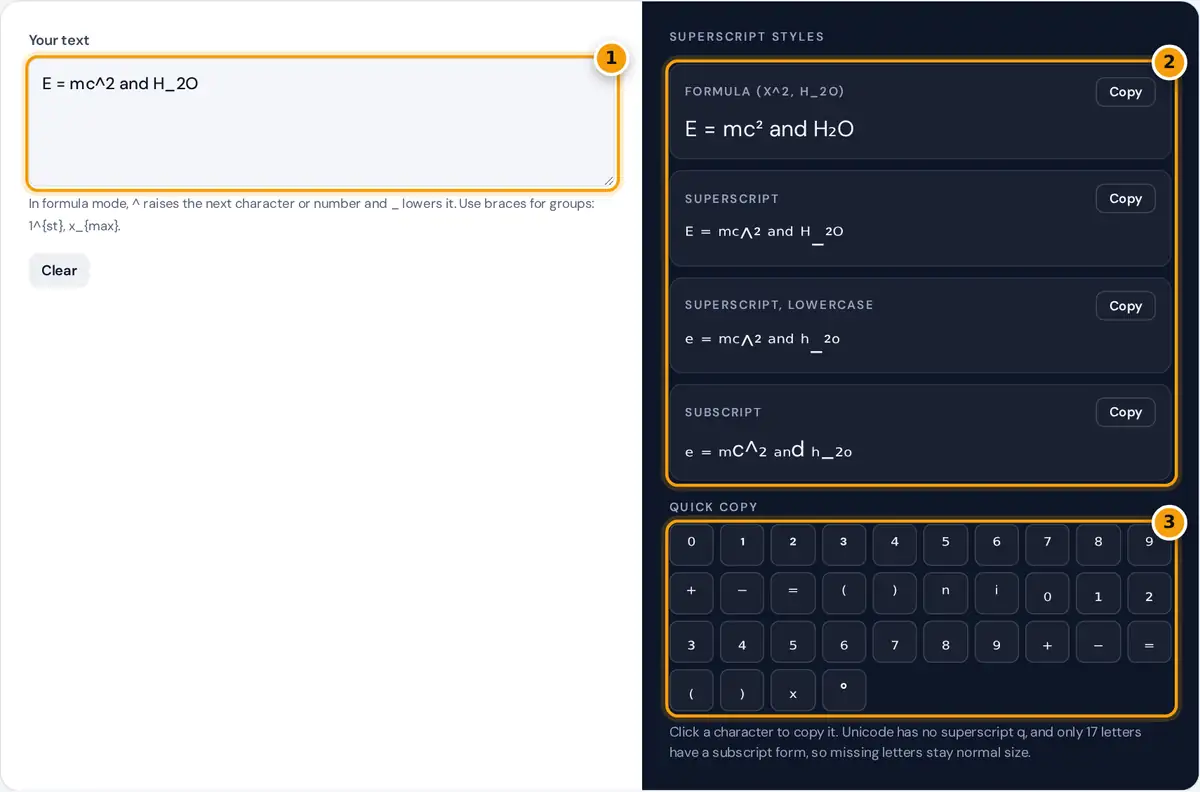
- Type your text. Use ^ to raise the next character and _ to lower it, as in x^2 or H_2O.
- Pick a style: formula, superscript, lowercase superscript or subscript, then press Copy.
- Need one symbol? Click any character in the quick copy grid to copy it.
Type or paste your text into the box, and four output rows update as you type. Formula converts only the parts you mark, while Superscript raises every character that has a raised form in Unicode.
Superscript, lowercase uses small letters only for a more even look, and Subscript lowers every character that has a subscript form. Press Copy beside the row you want, then paste it anywhere you need it.
The quick copy grid gives single characters such as ², ⁿ and ₂ in one click. It is the fastest way to copy and paste small text for an exponent or footnote without typing anything at all yourself.
Writing Exponents and Chemical Formulas
Formula mode follows the notation used in LaTeX and many scientific calculators. A caret raises what follows it, and an underscore lowers it, so x^2 becomes a neat exponent and H_2O becomes a chemical formula.
A run of digits, optionally with a sign, is treated as one group, so 10^-3 works without braces. For letters, wrap groups in braces, as in 1^{st} or x_{max}, to raise or lower several characters.
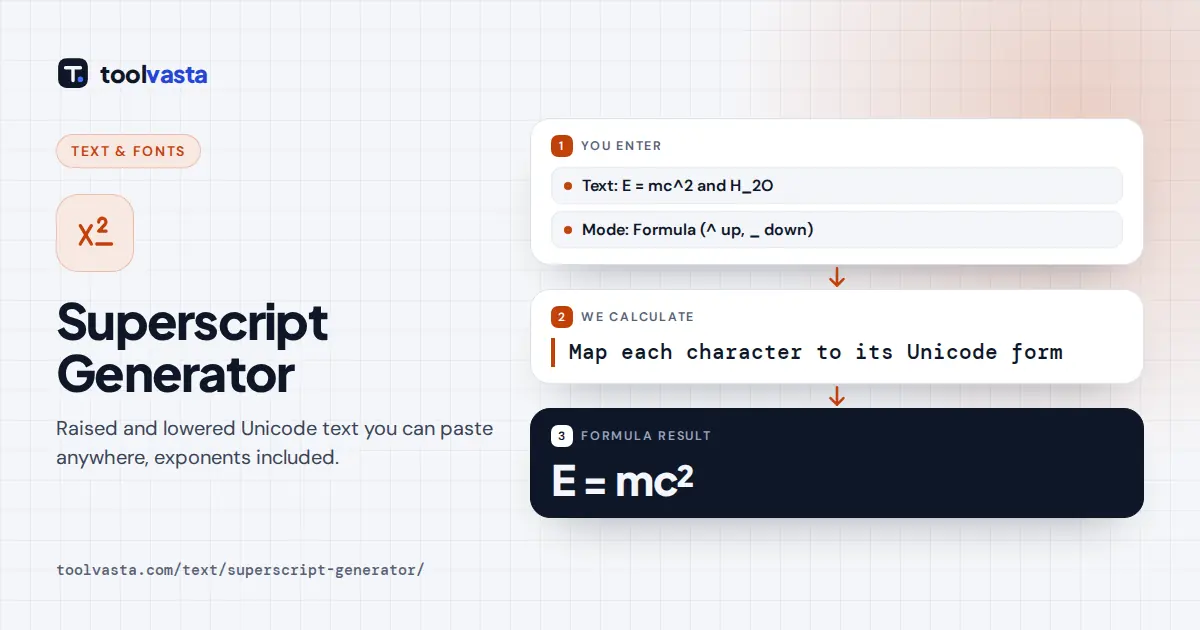
Typing “E = mc^2 and H_2O” gives “E = mc² and H₂O”. The raised 2 is the character SUPERSCRIPT TWO, U+00B2, and the lowered one is SUBSCRIPT TWO, U+2082, which suits scientific notation in plain text fields.
Which Characters Exist
Unicode does not contain a complete superscript or subscript alphabet. The characters come from several blocks added for phonetics and mathematics over many years, so some letters differ slightly in size or weight from others.
| Set | Available | Missing |
|---|---|---|
| Superscript digits and signs | ⁰ ¹ ² ³ ⁴ to ⁹, ⁺ ⁻ ⁼ ⁽ ⁾ | None |
| Superscript lowercase | All letters except q | q |
| Superscript capitals | ᴬ ᴮ ᴰ ᴱ ᴳ ᴴ ᴵ ᴶ ᴷ ᴸ ᴹ ᴺ ᴼ ᴾ ᴿ ᵀ ᵁ ⱽ ᵂ | C, F, Q, S, X, Y, Z (small forms used instead) |
| Subscript digits and signs | ₀ to ₉, ₊ ₋ ₌ ₍ ₎ | None |
| Subscript letters | a e h i j k l m n o p r s t u v x | b c d f g q w y z |
There is no superscript q, because no modifier letter q has ever been encoded. Only 17 Latin letters have a subscript form, so missing letters stay normal size instead of being swapped for lookalike symbols.
Superscript one, two and three sit in the Latin-1 block, while the other digits live in the block starting at U+2070, shown in the Unicode Superscripts and Subscripts chart. That split explains small height differences.
Unicode Superscript or Real Formatting?
In Microsoft Word, Google Docs and most email editors, real superscript formatting is better for long documents. In Word, press Ctrl+Shift+= to toggle it, and it works for every letter, including q and every digit.
Real formatting is also read correctly by screen readers, and on web pages the HTML sup element does the same job. Rich text keeps the underlying letters normal, so search and copy behave as expected.
Unicode superscript is the right choice where formatting is impossible: social bios, chat apps, plain text emails, spreadsheet cells, file names and code comments. In those places it is often the only practical option available.
Where These Characters Work
Because the result is plain Unicode text, it pastes into most places that accept emoji. Spreadsheets in Excel and Google Sheets accept it in cells and chart titles, since the characters are simply ordinary text.
- Instagram: bio, display name, captions and comments, but not usernames.
- TikTok: profile bio, display name, captions and comments.
- Discord: messages, nicknames, channel topics and server descriptions.
- X, Facebook, YouTube and WhatsApp: posts, bios and messages.
Apps can change what they accept at any time without warning, and some strip or replace unusual characters in names. Instagram usernames, for example, still only allow basic letters, numbers, periods and underscores, nothing else.
Older phones and computers may show empty boxes when the device font lacks a symbol. Preview your text on a second device before using it somewhere important, such as a profile people will visit often.
Common Uses: Footnotes, Ordinals and Units
Footnote markers are a classic use: a raised ¹ or ² after a word points readers to a note without needing a word processor. Ordinal suffixes such as 1ˢᵗ and 2ⁿᵈ work in exactly the same way.
Units of measurement often need exponents too. Square meters written m² and cubic meters written m³ look correct in a listing, a spreadsheet heading or a product description where normal formatting tools are missing entirely.
A raised ᵀᴹ can stand in for a trademark mark, and a superscript o is sometimes used as a degree sign, although the dedicated ° character is clearer for temperatures. Check how each symbol renders before publishing.
Accessibility and Search Caveats
Screen readers do not always treat these symbols as letters. A styled word may be read one character at a time with technical names, or skipped, so people using assistive technology can miss your message.
Search features on most platforms match normal letters, so styled words are usually not found in search. Never style hashtags, keywords, names people need to find, or important details such as dates, prices and links.
Use styled text for short decorative accents rather than whole posts or long bios. Where real formatting exists, use it instead, because it stays accessible to everyone, as recommended by the W3C Web Accessibility Initiative.
Frequently asked questions
How do I type a superscript 2?
Copy the raised 2 from the quick copy grid, or type x^2 in the box and copy the formula row. On Windows you can also hold Alt and type 0178 on the number pad.
Why is there no superscript q?
Unicode has never encoded a superscript or modifier letter q, so no font can show one. The generator leaves q at normal size rather than substituting a different symbol that only looks similar.
How do I write H2O with a small 2?
Type H_2O in the box and copy the formula row. The underscore lowers the next character or number, giving a proper subscript 2 that you can paste into any plain text field.
Do superscript characters work in Excel and Google Sheets?
Yes. They are ordinary text characters, so you can paste them into cells, chart titles and formulas that build text. They will not, however, be treated as numbers in calculations.
What is the difference between superscript and subscript?
Superscript sits above the baseline, as in exponents, footnote markers and ordinals. Subscript sits below it, as in chemical formulas such as CO2 written with a lowered 2.
Can I use superscript text in my Instagram bio?
Yes. Superscript characters are plain Unicode text, so they work in Instagram bios, display names, captions and comments. Usernames are the exception, since they only allow letters, numbers, periods and underscores.