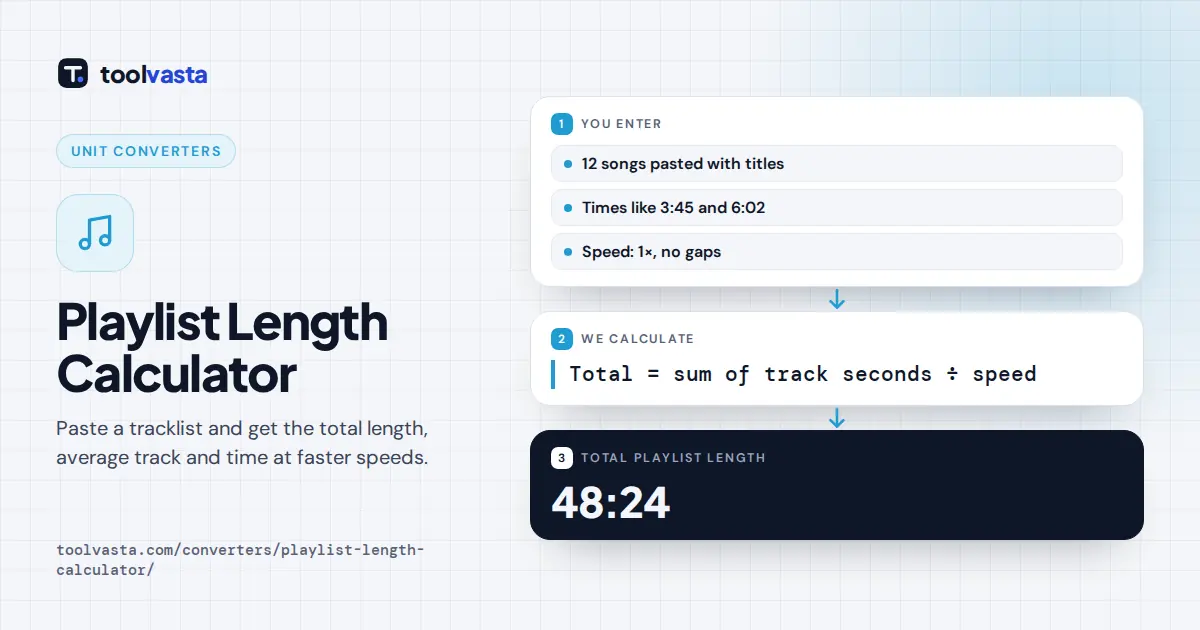
How to Use the Playlist Length Calculator
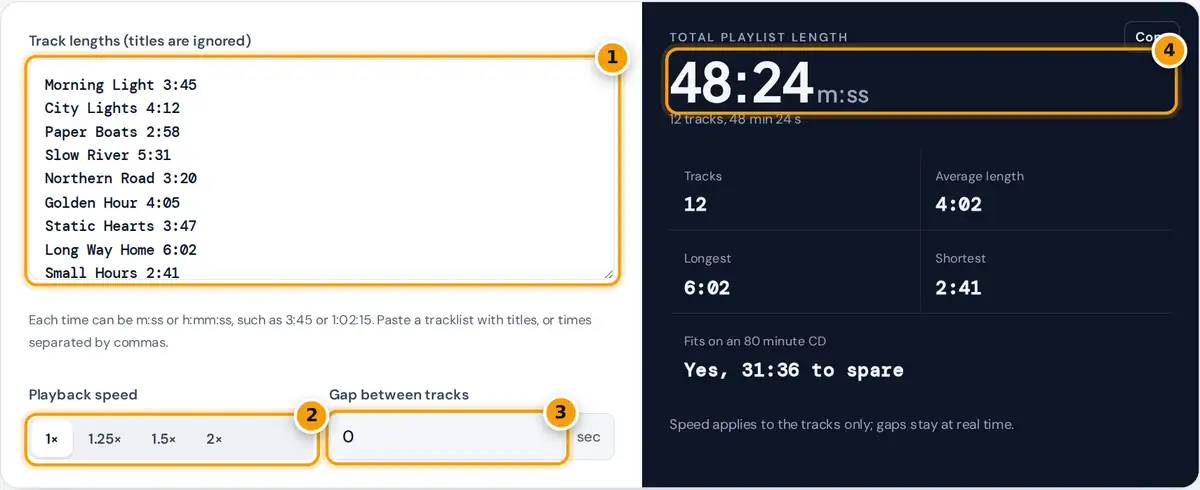
- Paste track times, one per line or comma separated. Titles on the same line are ignored.
- Choose a playback speed to see the total at 1.25×, 1.5× or 2×.
- Add a gap in seconds if your player or show pauses between tracks.
- Read the total length, with average, longest, shortest and whether it fits on a CD.
Paste or type the length of each track, episode or video into the box. One time per line works best, and you can leave the titles in place: the calculator picks out anything that looks like a time, such as 3:45 or 1:02:15, and ignores the rest of the line. You can also paste times separated by commas, for example 3:45, 4:12, 2:58.
The result shows the total length straight away, together with the number of tracks, the average, longest and shortest track, and whether the playlist fits on an 80 minute CD. Choose a playback speed to see the total at 1.25×, 1.5× or 2×, which is useful for podcast queues and lecture series. Add a gap in seconds if your player, radio show or event leaves silence between tracks.
How the Total Is Calculated
Total = sum of track seconds ÷ speed + gap × (tracks − 1)
Average = sum of track seconds ÷ number of tracks
Every time is converted to seconds, added up and converted back to hours, minutes and seconds. A time with two parts is read as minutes and seconds, and a time with three parts as hours, minutes and seconds. Minutes above 59 are allowed in two part times, so 75:20 is read as 75 minutes 20 seconds, a format many DJ and video tools use.
Worked Example
The sample playlist has 12 songs. Their lengths add up to 2,904 seconds: 225 + 252 + 178 + 331 + 200 + 245 + 227 + 362 + 161 + 239 + 268 + 216. Dividing by 60 gives 48 minutes 24 seconds, shown as 48:24. The average song is 2,904 ÷ 12 = 242 seconds, or 4:02. The longest is Long Way Home at 6:02 and the shortest is Small Hours at 2:41.
At 1.5× the playlist takes 2,904 ÷ 1.5 = 1,936 seconds, or 32:16. With a 2 second gap between each of the 12 songs there are 11 gaps, adding 22 seconds for a total of 48:46.
Quick Reference: Common Playlist Targets
| Use | Typical target | Songs at about 4 minutes |
|---|---|---|
| Audio CD (80 minute disc) | 80:00 | 20 |
| Audio CD (74 minute disc) | 74:00 | 18 |
| 30 minute workout | 30:00 | 7 to 8 |
| One hour radio slot | 60:00 | 15 |
| Three hour party | 3:00:00 | 45 |
Radio and event slots usually leave room for talk, adverts or announcements, so plan the music total a little below the slot length.
Where a Playlist Total Helps
DJs and event planners use a playlist total to fill a set without running over. Fitness instructors match music to a class length. Podcast listeners add up a queue of episodes to see how long it takes to catch up, then pick a speed. Video editors and course creators total the clips in a module before publishing, and teachers check that a set of videos fits a lesson. Musicians and labels check whether an album fits on a single CD or vinyl side before mastering.
For a wedding or party, build the playlist in sections, such as dinner, first dance and dancing, and total each one separately so every part of the evening has enough music. Paste each section into the calculator in turn and note the totals.
Tips and Limits
- If a line has no time in it, such as a heading, it is skipped and the result tells you how many lines were skipped.
- Times with seconds above 59, such as 3:75, are flagged and left out, because they are usually typing mistakes.
- Crossfades shorten a mix rather than lengthen it. The gap field accepts 0 or more seconds, so for a crossfaded set, subtract the overlap from the total yourself.
- Vinyl capacity depends on the cutting level and groove spacing, so ask your pressing plant for its limit per side.
Frequently asked questions
How do I add up song lengths?
Convert each length to seconds, add them, and convert the total back to minutes and seconds. Paste the times into the calculator, one per line, and it does the conversion for you, including hour long tracks.
Can I paste a tracklist with song titles?
Yes. The calculator finds times such as 3:45 or 1:02:15 anywhere on each line and ignores titles, numbers and dashes. Lines without a time are skipped and counted in a note under the result.
How many songs fit on an 80 minute CD?
It depends on song length. At an average of 4 minutes, about 20 songs fit on an 80 minute disc. The calculator shows whether your exact list fits and how much time is left or over.
How do I find the length of a playlist at 2x speed?
Divide the total length by 2. Choose 2x in the speed buttons and the calculator shows the new total and the time saved, which suits podcast queues, audiobooks and video courses.
What does the gap between tracks do?
It adds the number of seconds you enter between each pair of tracks, so 12 tracks with a 2 second gap add 22 seconds. Use it for players or broadcasts that leave silence between songs.
Why is 75:20 accepted as a time?
Many editing and DJ tools write long tracks as total minutes and seconds instead of hours. The calculator reads 75:20 as 75 minutes 20 seconds, which is the same as 1:15:20.