How to Use the Poster Maker
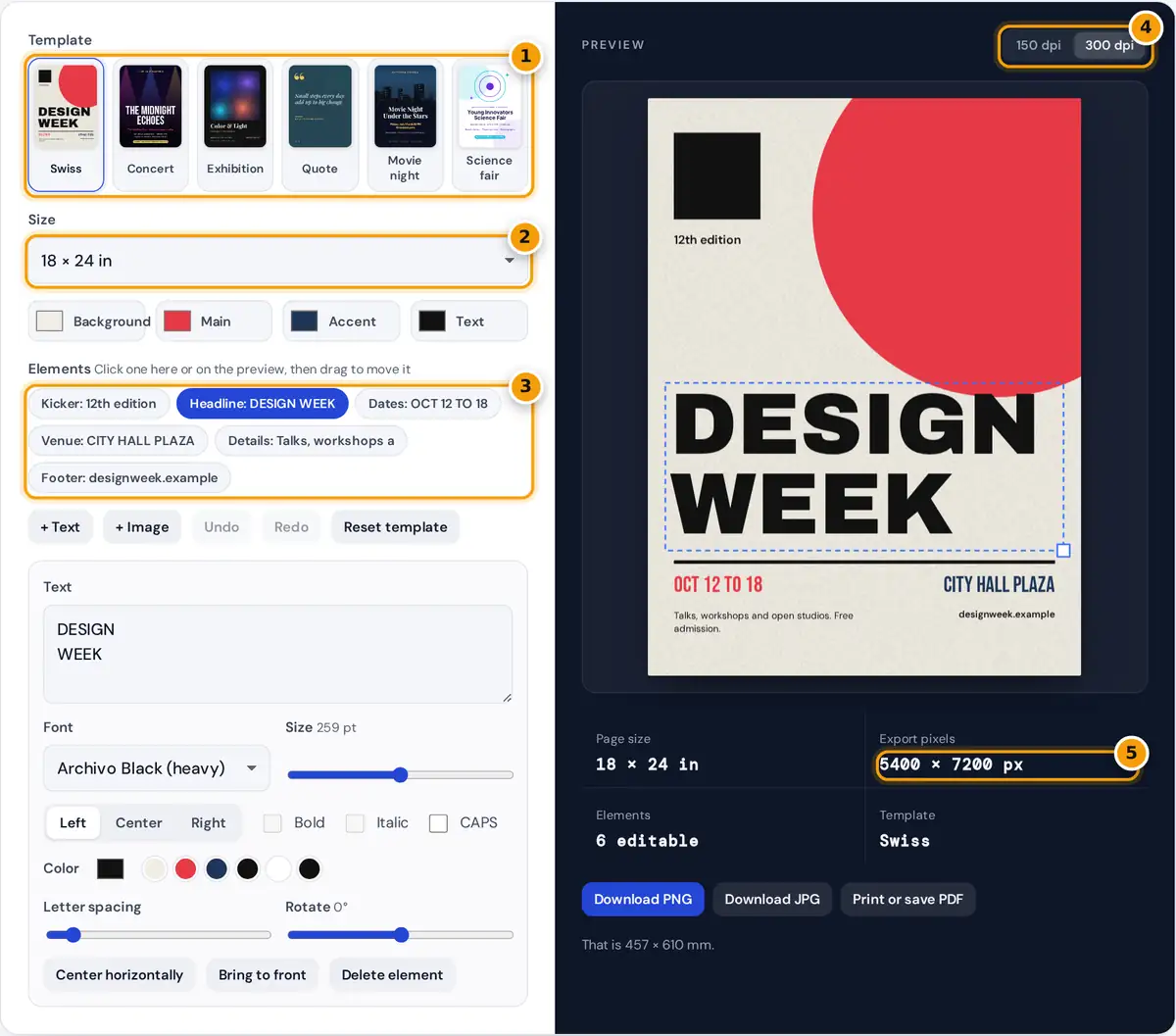
- Choose a template: Swiss, concert, exhibition, quote, movie night or science fair.
- Pick the poster size, from 11 x 17 in up to 24 x 36 in or A1.
- Select an element to change its words, font, color, rotation or photo effect.
- Choose 150 or 300 dpi for the export.
- Check the export pixels, then download PNG or JPG or print a PDF.
- Choose a template: Swiss style event, concert, exhibition, quote, movie night or science fair. All of them are original designs that you can change freely.
- Pick the poster size. Common US sizes are 11 × 17, 12 × 18, 18 × 24 and 24 × 36 inches. ISO sizes A3, A2 and A1 are standard in most other countries.
- Set the background, main, accent and text colors. Elements that use these theme colors update together.
- Select an element from the list or click it on the preview. Edit the words, font, size, alignment, letter spacing, rotation and color, or replace a photo with your own and add a black and white, sepia, vintage or duotone effect.
- Drag to move, and drag the corner square to resize. Use Bring to front when one element should sit on top of another.
- Choose 150 or 300 dpi and download a PNG or JPG, or print the poster or save it as a PDF.
Standard Poster Sizes
| Size | Inches | Millimeters | Typical use |
|---|---|---|---|
| Tabloid | 11 × 17 | 279 × 432 | Notice boards, store windows |
| Medium | 18 × 24 | 457 × 610 | Events, classrooms, open houses |
| Large | 24 × 36 | 610 × 914 | Movie and concert posters |
| A3 | 11.7 × 16.5 | 297 × 420 | Office printers, small posters |
| A2 | 16.5 × 23.4 | 420 × 594 | Exhibitions, shop displays |
| A1 | 23.4 × 33.1 | 594 × 841 | Large displays, research posters |
The ISO A sizes all share the ratio 1 : √2 (about 1 : 1.414), so an A2 design scales to A1 or A3 without changing its layout. US sizes have slightly different proportions, and the templates adapt to each one.
Poster Resolution and File Size
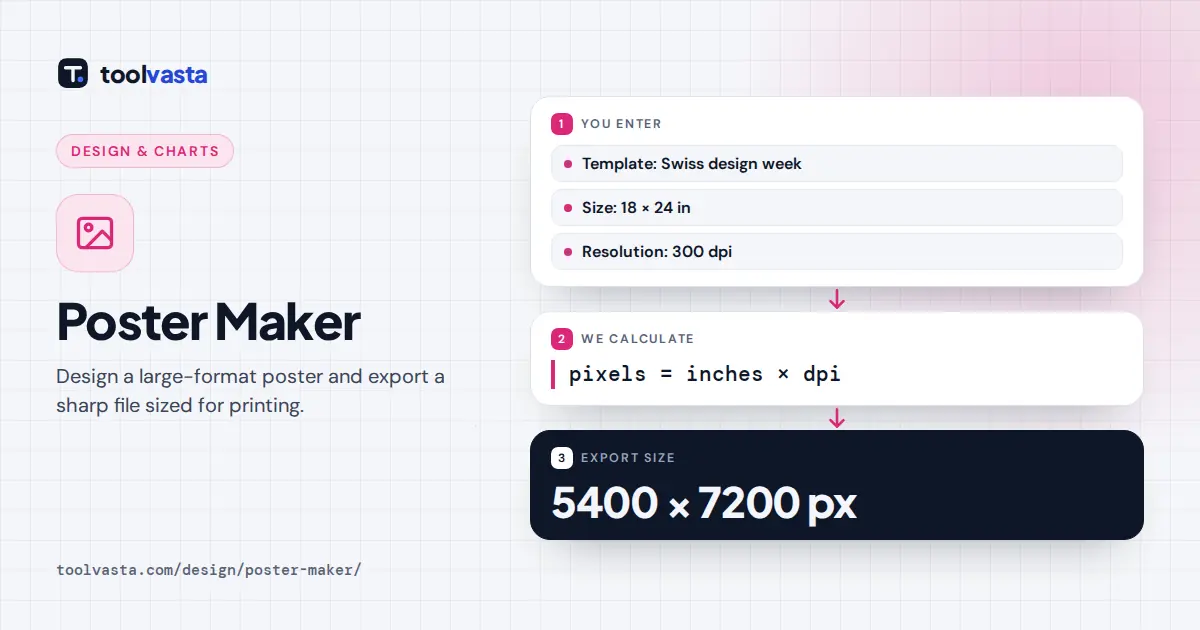
Worked example: an 18 × 24 in poster at 300 dpi is 18 × 300 = 5400 by 24 × 300 = 7200 pixels, which is 38.9 megapixels. A 24 × 36 in poster at 300 dpi would be 7200 × 10800 pixels, or 77.8 megapixels, more than most browsers can handle in one image. The maker therefore caps exports at 48 megapixels and lowers the resolution for very large sizes. For 24 × 36 in the cap works out to 235 dpi (5640 × 8460 pixels). The note under the preview tells you when this happens.
That is still plenty. Posters are viewed from a distance, and print shops commonly accept 150 dpi for large formats. Text and shapes stay crisp because they are drawn at full export resolution rather than enlarged from the preview.
Poster Design Tips
- Readable from across the room. A poster headline should be legible at several meters. As a rough guide, keep the headline at least 5% of the poster width tall.
- Clear hierarchy. One dominant element (a big headline or a strong photo), then the key facts, then the small print.
- Use the theme colors. A limited palette of a background, one main color and one accent looks deliberate. Change the accent color to match a brand in one step.
- Text over photos. The concert and movie templates fade the photo into the background color behind the text. Keep that fade when you swap the photo.
- Check edges. If you print at home or the shop trims the poster, keep important text a little away from the edges.
Printing a Large Poster
For sizes bigger than your printer, download the PNG and send it to a print shop or an online printing service, or press Print or save PDF and save a PDF set to the exact poster size. For a home printer, choose Letter, A4 or Tabloid. In the print dialog, set scale to 100% or Actual size and margins to none. Everything happens in your browser, so your photos and text are never uploaded.
Frequently asked questions
What is the best size for a poster?
18 by 24 inches is a popular all-purpose size for events and classrooms. 24 by 36 inches suits movie and concert posters, and 11 by 17 inches fits notice boards. Outside North America, A3, A2 and A1 are standard.
What resolution does a poster need?
300 dpi is ideal for posters viewed up close, and 150 dpi is acceptable for large posters seen from a distance. An 18 by 24 inch poster at 300 dpi is 5400 by 7200 pixels.
Why is my 24 by 36 export below 300 dpi?
At 300 dpi a 24 by 36 inch poster would be almost 78 megapixels, which many browsers cannot create. The maker caps exports at 48 megapixels, which gives 235 dpi at that size.
Can I upload my own pictures?
Yes. Select a photo element and choose, drop or paste an image. You can zoom, pan, change the frame shape and apply black and white, sepia, vintage, high contrast or duotone effects.
How do I print a poster at home?
Choose Letter, A4 or 11 by 17 inches if your printer supports it, press Print or save PDF, and set scale to 100% with no margins. Larger sizes are best printed by a print shop.
Is this poster maker free to use?
Yes. There is no account, watermark or upload. The poster is designed and exported entirely in your browser, and you can use your downloads for personal or commercial projects.