How to Use the Alignment Chart Maker
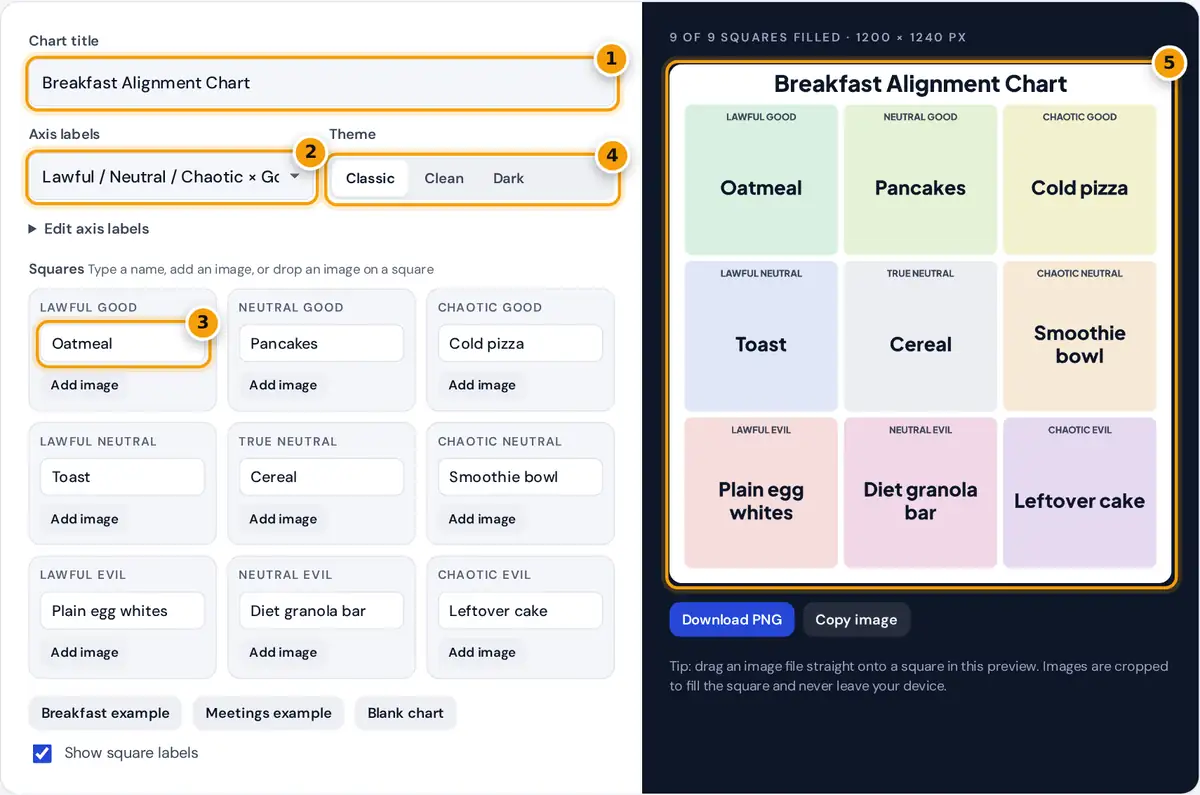
- Type the chart title that appears across the top.
- Choose classic alignment labels, Purist and Rebel, or your own custom axes.
- Type a name in each square or press Add image to use a picture from your device.
- Pick the Classic, Clean or Dark theme.
- Check the preview, then download the PNG or copy the image.
- Type a title. It is printed across the top of the chart, and the file name of the download follows it.
- Choose the axis labels. The classic set uses Lawful, Neutral and Chaotic for the columns and Good, Neutral and Evil for the rows. Pick Purist / Neutral / Rebel for the food and definition memes, or open Edit axis labels and type your own.
- Fill the nine squares. Type a name or a short caption in each box. Press Add image to use a picture from your device, or drag an image file onto a square in the editor or the preview.
- Pick a theme: Classic tints each square by alignment, Clean uses white cards, and Dark suits social feeds in dark mode.
- Press Download PNG, or Copy image to paste the chart straight into a chat or document.
The chart redraws after every change. All the work happens in your browser, so your pictures are not uploaded or stored anywhere.
How the Alignment Grid Works
An alignment chart crosses two scales of three steps each. The columns describe attitude to rules and the rows describe intentions. Every square is one combination, named column first and row second:
Neutral + Neutral = True Neutral
squares = 3 columns × 3 rows = 9
| Lawful | Neutral | Chaotic | |
|---|---|---|---|
| Good | Lawful Good | Neutral Good | Chaotic Good |
| Neutral | Lawful Neutral | True Neutral | Chaotic Neutral |
| Evil | Lawful Evil | Neutral Evil | Chaotic Evil |
The system comes from the Dungeons & Dragons role playing game, where it describes a character's moral and ethical outlook. Online it became a meme format for sorting anything from snacks to coworkers.
The Purist, Neutral and Rebel labels come from the popular debate charts about definitions, such as what counts as a sandwich. Columns judge the ingredients and rows judge the structure, so a hot dog might land as Ingredient neutral and Structure rebel.
Worked Example
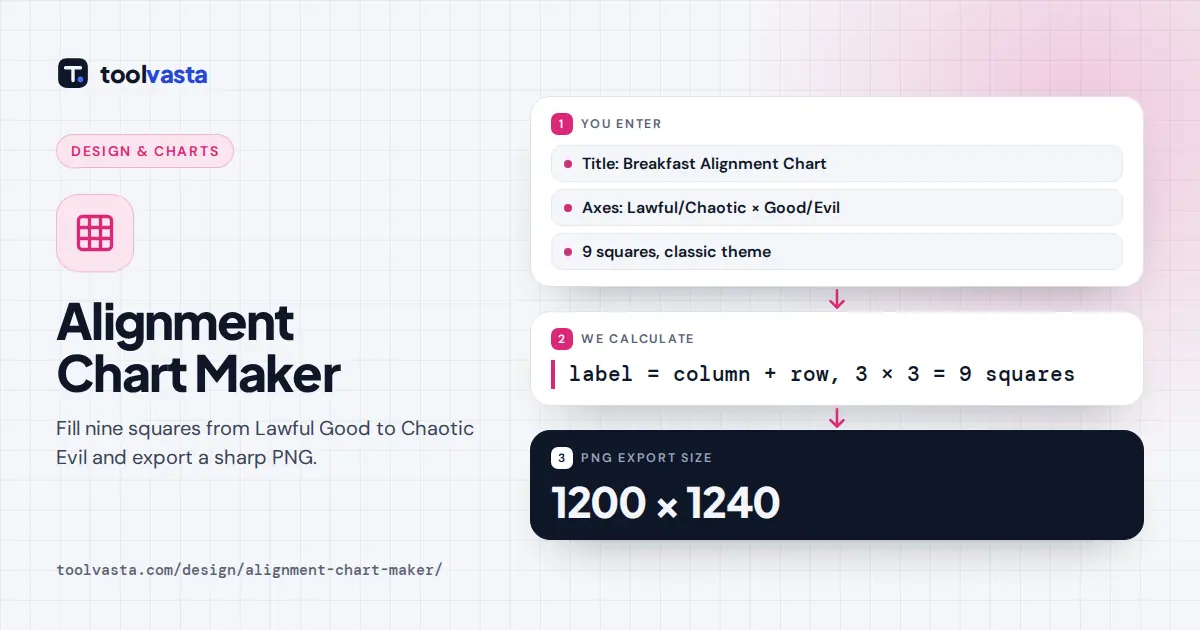
In the breakfast sample, Oatmeal sits in Lawful Good: dependable and wholesome. Cold pizza is Chaotic Good, because it breaks the rules but makes people happy. Cereal is True Neutral, and leftover cake is Chaotic Evil. With the title on, the exported image is 1200 × 1240 pixels: 96 pixels for the title, three rows of 360 pixels, two gaps of 14 pixels and a 36 pixel bottom margin.
Alignment Chart Ideas
- Characters from a book, a show or your own tabletop campaign.
- Food debates such as what counts as a sandwich, using the Purist and Rebel labels.
- Work and school life: meeting habits, group project roles, ways to name files.
- Friends and family for a group chat, using photos they are happy to share.
Tips for a Chart People Share
- Keep captions short. Two to four words fill a square well. Longer text shrinks automatically to fit, but it reads less clearly on a phone.
- Use images with the subject in the middle. Pictures are cropped to fill the square from the center, so off-center faces may be cut.
- Agree the axes first. The joke works when every square follows the same logic, so decide what Lawful and Chaotic mean for your topic before you place items.
- Check rights before posting photos of other people or copyrighted artwork.
Image Size and Export
The chart is drawn on a canvas 1200 pixels wide, which stays sharp on Instagram, X, Reddit and Discord and prints cleanly on a letter or A4 page. Download PNG keeps text crisp with no compression artifacts. Copy image works in current Chrome, Edge and Safari. If your browser blocks clipboard images, use the download button instead.
Frequently asked questions
What are the nine alignments?
Lawful Good, Neutral Good, Chaotic Good, Lawful Neutral, True Neutral, Chaotic Neutral, Lawful Evil, Neutral Evil and Chaotic Evil. They combine three attitudes to order with three moral outlooks in a 3 by 3 grid.
Can I put pictures in the alignment chart?
Yes. Press Add image on any square or drag an image file onto it. The picture is cropped to fill the square, and any text you typed appears as a caption underneath it.
Can I change Lawful and Chaotic to other words?
Yes. Choose Purist, Neutral and Rebel from the axis menu, or open Edit axis labels and type any three column and three row labels. Each square label updates instantly.
What size is the downloaded image?
The PNG is 1200 pixels wide. With a title it is 1240 pixels tall, and without one it is 1180 pixels tall, which suits social posts and printing.
Are my images uploaded anywhere?
No. Images are read by your browser and drawn on a canvas on your device. Nothing is sent to a server, so the chart and your photos stay private until you share them.
Where does the alignment chart come from?
The two axis alignment system comes from the Dungeons and Dragons role playing game, which uses it to describe how characters behave. It later spread online as a popular meme template.