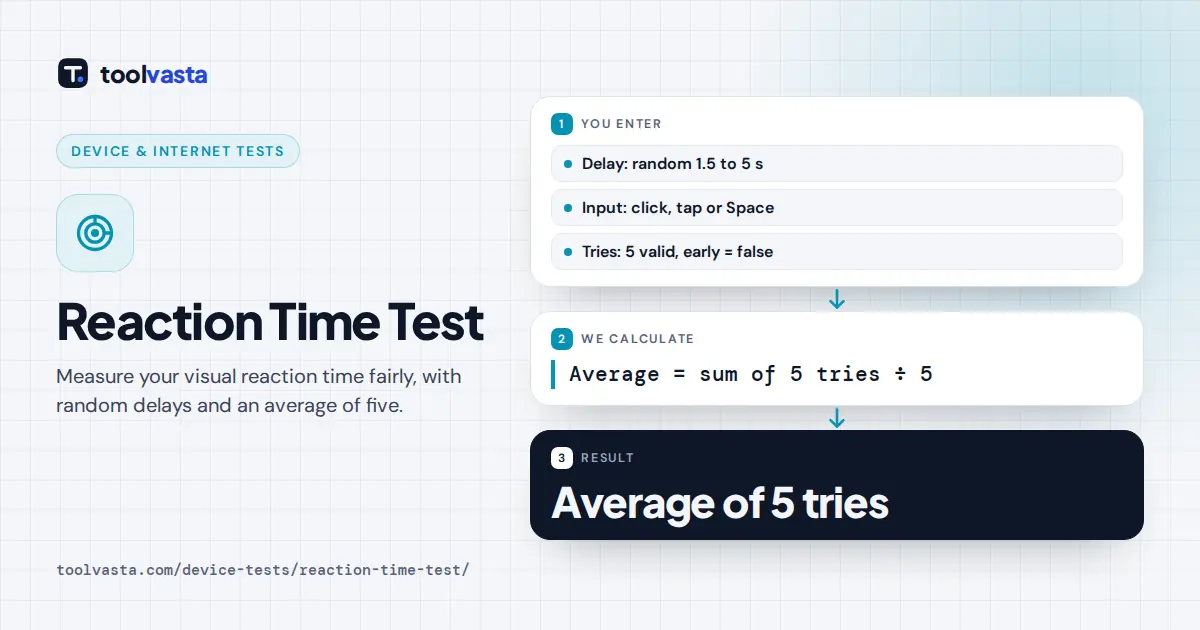
How to Use the Reaction Time Test
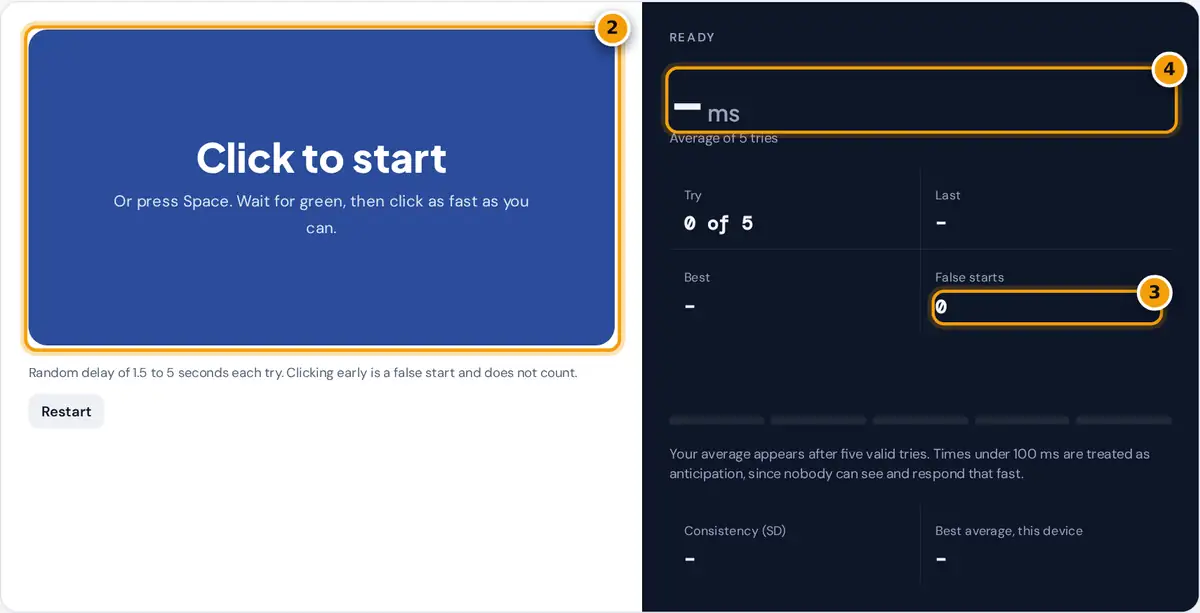
- Click the box or press Space to start, then wait while it is red.
- When it turns green, click or press Space as fast as you can.
- Clicking early counts as a false start and does not count toward your score.
- After five valid tries, read your average reaction time in milliseconds.
Click the big box or press the Space bar to begin. The box turns red: keep still and watch it. After a random pause it turns green, and you click or press Space as fast as you can. Your time in milliseconds appears at once. Do this five times; after the fifth valid try, the panel shows your average of 5, your best and slowest try, how consistent you were and any false starts. Press Restart at any time to begin a fresh set.
How the Test Keeps It Fair
A reaction test only measures reactions if you cannot predict the moment to click. This test uses three rules to keep every try fair:
- Random delay: the wait before green is drawn at random between 1.5 and 5 seconds on every try, so counting in your head does not help.
- False starts: clicking while the box is red ends that try without a time. It is counted as a false start and you simply go again.
- Anticipation filter: responses faster than 100 ms are treated as false starts. A visual signal takes time to reach the brain and turn into a finger movement, so a click that fast is a lucky guess, not a reaction.
How Your Time Is Measured
The timer starts in the animation frame in which the box turns green and stops at the moment your mouse button or key goes down, using the browser's high-resolution clock. Pressing down rather than releasing gives the earliest possible stop.
average = sum of 5 valid tries ÷ 5 consistency (SD) = √( Σ(try − average)² ÷ 5 )
Worked Example
Suppose your five tries are 248, 231, 265, 239 and 252 ms. Their sum is 1,235 ms, so your average is 1,235 ÷ 5 = 247 ms. The differences from the average are 1, −16, 18, −8 and 5, whose squares add up to 1 + 256 + 324 + 64 + 25 = 670. Dividing by 5 gives 134, and the square root is about 11.6, so your consistency is shown as ± 12 ms. A small SD means your reactions were steady; a large one means some tries were much slower than others.
How to Read Your Result
| Average | What it suggests |
|---|---|
| Under 200 ms | Very fast for a browser test, often with a fast mouse and screen |
| 200 to 249 ms | Fast |
| 250 to 299 ms | The typical range for a browser test |
| 300 to 399 ms | A little slower than typical, often due to tiredness or device lag |
| 400 ms and above | Slow; check your focus and your device |
These bands are a rough guide for browser-based tests, not a medical or official standard. Your number includes the delay of your screen, mouse or touchscreen and browser, which can add several tens of milliseconds, so compare scores on the same device rather than between devices.
What Affects Reaction Time
- Alertness: sleep, caffeine and time of day all shift your results.
- Practice: scores usually improve over the first few sets as you get used to the test, then level off.
- Hardware: a wired mouse and a high refresh rate monitor respond faster than a touchscreen or a wireless mouse on a busy laptop.
- Distraction: background tabs, notifications and noise slow you down. Test in a quiet moment.
Privacy and Limits
Everything runs in your browser. Your best average is stored only on this device so you can track your progress, and nothing is uploaded. This is a simple visual reaction test for fun and self-tracking; it is not a medical assessment and cannot diagnose any condition. If you notice a sudden, lasting change in your reactions, speak with a health professional.
Frequently asked questions
What is a good reaction time?
In browser tests like this one, many people average roughly 250 to 300 ms, and under 200 ms is very fast. Your device adds some delay, so compare your own scores on the same setup over time.
Why does the test use an average of 5?
A single try is affected by luck, blinking or a slow start. Averaging five valid tries smooths out those swings and gives a much more reliable picture of your real reaction speed.
What counts as a false start?
Clicking or pressing Space while the box is still red, or responding in under 100 ms after it turns green. False starts do not count toward your average, and the test simply asks you to try again.
Can I use the keyboard instead of the mouse?
Yes. Press Space or Enter to start and to react. Keys can be slightly faster than a mouse, so use the same input every time if you want to compare results.
Why is my reaction time slower on my phone?
Touchscreens and phone browsers usually add more input and display delay than a wired mouse and desktop monitor. The test measures your total response, including that hardware delay.
Does this test measure anything medical?
No. It is a simple visual reaction game for fun, practice and personal tracking. It cannot diagnose anything, and a slow score on one day usually reflects tiredness, distraction or your device.