How to Use the Mouse Double Click Test
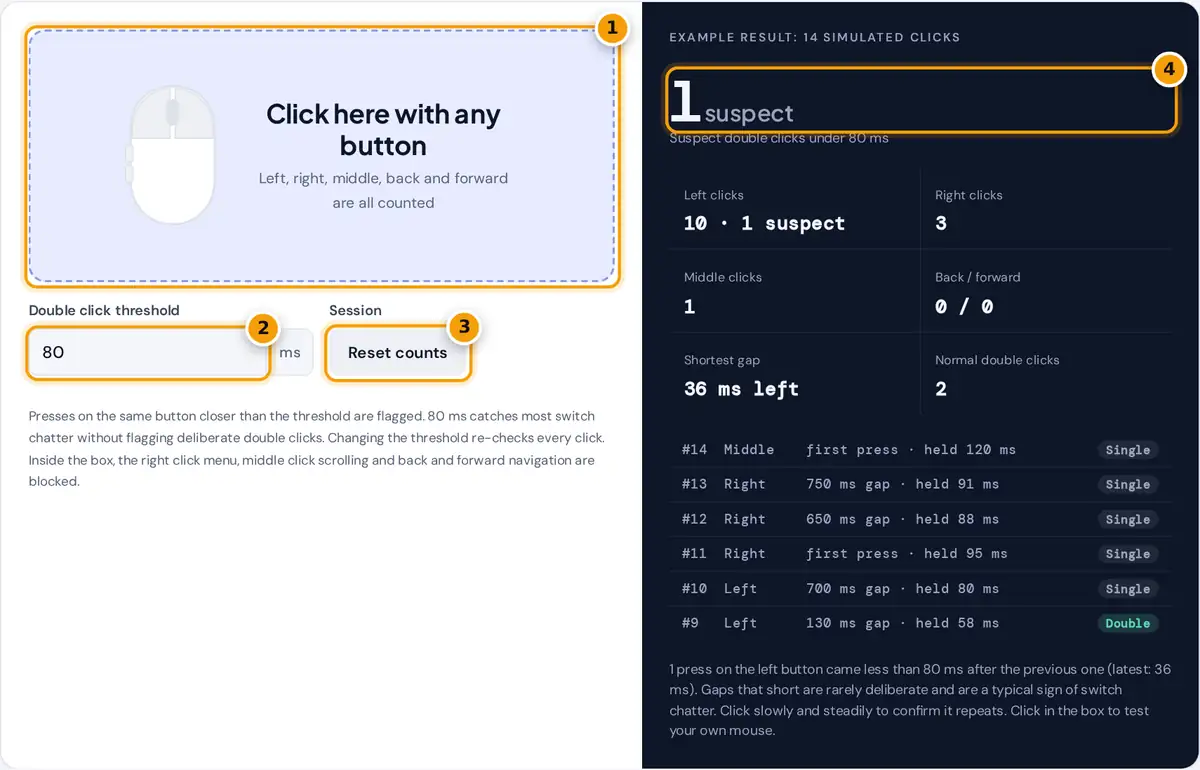
- Click inside the box with each mouse button at a normal pace, 20 to 30 times.
- Set the double click threshold. 80 ms catches most chatter without flagging deliberate double clicks.
- Press Reset counts to clear the example session and test your own mouse.
- Read the number of suspect double clicks, clicks per button and the timed log of recent presses.
Point at the box and click the way you normally do, at a relaxed pace, one press at a time. Test each button for 20 to 30 presses: left, right, the wheel (middle) and the back and forward buttons on the side if your mouse has them. The mouse drawing lights up while a button is held, and the log in the panel lists the latest presses with the gap since the previous press on the same button and how long the button was held.
The large number counts suspect double clicks: presses that came sooner after the last press on the same button than your threshold. The default is 80 ms. Raise it to be stricter or lower it if you click very fast on purpose. Changing it re-checks every click you have already made. Normal double clicks counts gaps between the threshold and 500 ms, which look like a deliberate double click. Press Reset counts to start a clean session. The page opens with an example session that contains one suspect press.
How Unintended Double Clicks Are Detected
A mouse button is a small switch with metal contacts. As the contacts wear or oxidize, a single press can bounce and send two or more presses in a few milliseconds. The mouse firmware filters most bounce with a debounce delay, but a worn switch can still slip a second press through. Your computer then sees a double click you did not make, often called chatter.
gap < threshold → suspect double click
threshold ≤ gap ≤ 500 ms → normal double click
gap > 500 ms → separate single click
Each button is tracked on its own, so a quick left click followed by a right click is never flagged. Times come from the browser's high resolution event clock and are measured from press to press, not release to press, because chatter appears as a second press.
Worked Example
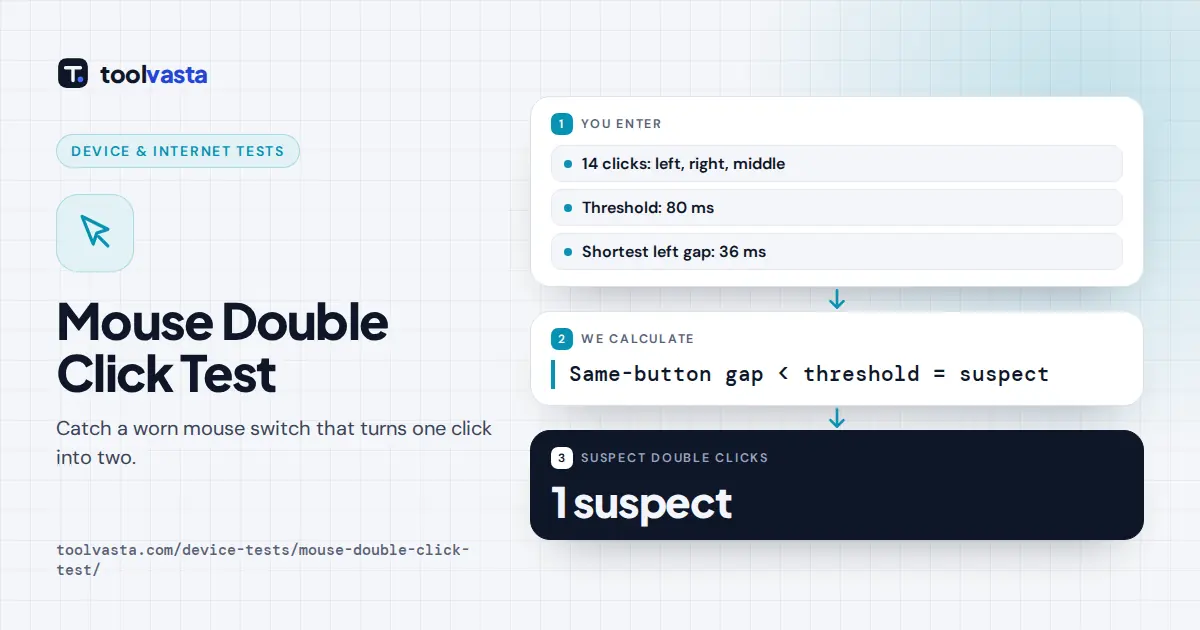
In the example session, the left button is pressed at 3,005 ms and again at 3,041 ms. The gap is 3,041 − 3,005 = 36 ms, below the 80 ms threshold, so that press is flagged as suspect. Earlier, two presses at 2,310 ms and 2,455 ms are 145 ms apart, which is a normal double click. If you raise the threshold to 150 ms, the 145 ms and 130 ms gaps are flagged too and the count rises from 1 to 3. That is why a threshold near 80 ms works best for most people.
| Gap on the same button | What it usually means |
|---|---|
| Under 30 ms | Almost always switch bounce or chatter |
| 30 to 80 ms | Very likely chatter, unless you use two finger butterfly clicking |
| 80 to 500 ms | A deliberate double click at normal speed |
| Over 500 ms | Two separate single clicks |
What to Do If Your Mouse Double Clicks
- Confirm it. Click slowly for a minute. A faulty switch flags again and again on the same button.
- Check the software. Some gaming mice let you raise the debounce time in their app, which can hide mild chatter.
- Rule out settings. Make sure click lock and sticky keys style features are off and that the double click speed in your system settings is not set to an extreme.
- Clean it. A short burst of compressed air around the button can clear dust, though it rarely fixes worn contacts.
- Use the warranty. Chatter is a common, recognized fault. If the mouse is covered, a replacement is usually the easiest fix; otherwise the switch can be replaced by someone comfortable with soldering.
Limits of a Browser Test
The test sees the presses your operating system passes to the browser, after the mouse firmware has applied its own debounce. Very short bounces that the firmware already removes will not appear, and that is fine because your apps never see them either. Touchpads and touchscreens can be tested, but taps are converted to clicks by the system, so the timing reflects that conversion.
Frequently asked questions
Why does my mouse double click when I click once?
Most often the switch under the button is worn or dirty, so one press makes the contacts bounce and send two signals. Less often it is a software setting or a debounce option set too low in the mouse app.
What threshold should I use?
Start with 80 ms. A deliberate double click is usually slower than that, while chatter is usually faster. Lower it to around 50 ms if you click very quickly on purpose, or raise it for a stricter check.
Can this test check the side buttons?
Yes. Back and forward buttons are counted separately, and the browser's back and forward navigation is blocked while you click inside the box, so you can test them without leaving the page.
Does a suspect result always mean the mouse is faulty?
Not always. One flag can come from an accidental bounce of your finger. If the same button keeps getting flagged during slow, steady clicking, the switch is very likely faulty.
Can a mouse with a double click problem be fixed?
Sometimes. Raising the debounce time in the mouse software can hide mild chatter. A worn switch usually needs replacing, either through the warranty or by fitting a new switch.
Why is the double click limit set at 500 ms?
Windows uses 500 ms as its default double click time, and other systems use a similar value. Gaps under that limit are read as a double click, so they are labelled double instead of single.