How to Use the Internet Speed Test
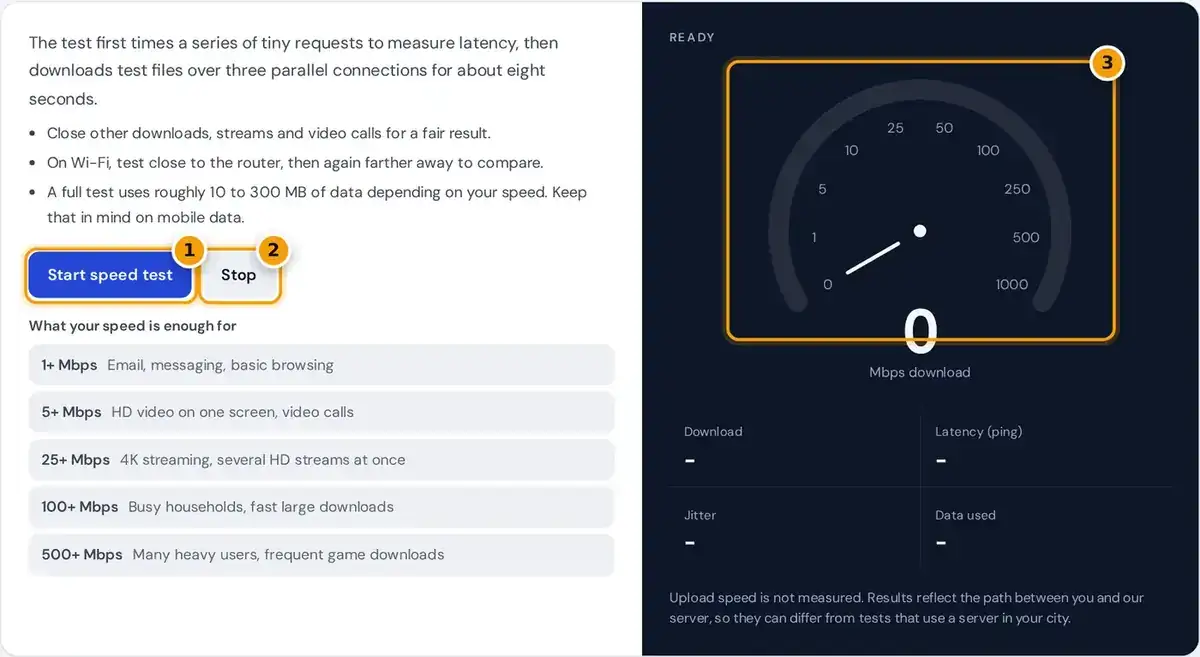
- Close other downloads and streams, then press Start speed test.
- Press Stop if you need to end the test early, for example on mobile data.
- Read your download speed in Mbps on the gauge, with ping, jitter and data used below.
Press start speed test and wait about ten seconds. The internet speed test first times a series of tiny requests to find your latency and jitter, then measures your download speed with large test files.
The gauge shows your live speed during the test, and the result appears in megabits per second. The panel also reports latency, jitter and the data used, which ranges from roughly 10 to 300 MB.
For the most accurate reading, pause other downloads and streaming, then run it two or three times. A test over an Ethernet cable shows what your plan delivers, while Wi-Fi shows what devices actually receive.
How Download Speed Is Calculated
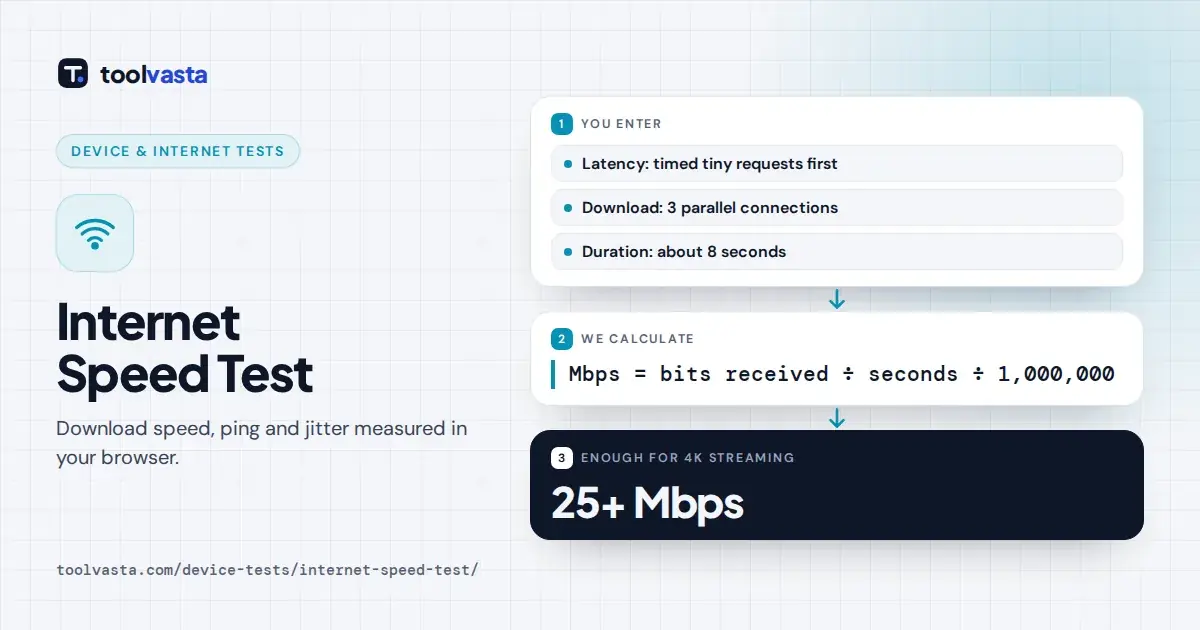
Speed is the amount of data received divided by the time it took, converted from bytes to bits. The test downloads over three parallel connections, which helps fill fast lines that a single connection cannot.
latency = median of 12 round trips (first request ignored)
jitter = average change between consecutive round trips
The first second is left out of the final figure, because connections start slowly and ramp up. This behaviour is called TCP slow start, and it is defined in the IETF TCP congestion control standard.
Latency is the median of 12 round trips, after ignoring one warm-up request, and jitter is the average change between consecutive round trips. Each test stops after about eight seconds or 300 MB of data.
Worked Example
Suppose the test successfully receives 118 MB, which is 123,731,968 bytes, between the one second mark and the eight second mark. Multiplying the bytes by 8 gives 989,855,744 bits received in 7 seconds of measurement.
Dividing 989,855,744 bits by 7 seconds gives 141.4 million bits per second, so the final result shown is 141.4 Mbps. That speed is enough for a busy household with several 4K streams running together comfortably.
If your ping times were 18, 21, 19, 25 and 20 milliseconds, the median is 20 ms. The changes between them are 3, 2, 6 and 5, so the jitter averages out at 4 ms.
What the Results Mean
Download speed decides how quickly pages load, videos start and files arrive. A good internet speed for most homes is 25 Mbps for each person who streams, games or works online at the same time.
| Measure | Good | Why it matters |
|---|---|---|
| Download speed | 25 Mbps or more per heavy user | Streaming, downloads, web pages |
| Latency (ping) | Under 50 ms | Online games, video calls, responsiveness |
| Jitter | Under 10 ms | Smooth calls and gaming without stutter |
Ping, or latency, affects responsiveness more than raw speed. Under 50 ms feels quick for video calls and online gaming, while values above 100 ms can make games lag and conversations talk over each other.
Jitter under 10 ms keeps calls and games smooth, without stutter or robotic audio. These are common rule-of-thumb figures rather than official standards, so check your streaming or gaming service for its own published recommendations.
How Much Speed Do You Need?
After each test, the tool ticks off what your speed supports. At 1 Mbps you can handle email and basic browsing, while 5 Mbps covers HD video on one screen and most standard video calls.
From 25 Mbps you can watch 4K streaming or several HD streams together. At 100 Mbps a busy household runs smoothly, and 500 Mbps suits many heavy users who download large games and updates often.
In Canada, the CRTC universal service objective aims for every home and business to access at least 50 Mbps download and 10 Mbps upload, a useful benchmark when comparing fixed broadband plans from different providers.
Mbps vs MB/s
Internet plans are sold in megabits per second, written Mbps. Browsers, game launchers and download windows usually show megabytes per second, written MB/s, which is exactly why the numbers can look disappointingly small at first.
One byte is eight bits, so divide the Mbps figure by 8 to convert. A 400 Mbps connection downloads at about 50 MB/s at best, and a 100 Mbps line tops out near 12.5 MB/s.
Game downloads and large updates often run slightly below those maximums, because servers, storage speed and other traffic all play a small part. A steady figure near the maximum means your connection is performing well.
Why Is My Speed Lower Than My Plan?
Wi-Fi is the most common cause. Walls, distance and interference from neighbouring networks often cut speeds by half or more, so try the 5 GHz band or plug in an Ethernet cable to compare results.
Other devices share the same line, and background updates, cloud backups and streams can take a large slice of bandwidth. Evenings are also peak hours, when shared cable and fibre networks carry the most traffic.
An older router, network card or cable can cap speeds, for example at 100 Mbps. This test downloads from our own server, and provider tests that use servers inside their network often show higher numbers.
What This Test Does Not Measure
This is deliberately a download and latency test only, nothing more. It does not measure upload speed, which matters for video calls, live streaming, online backups and sending large files to colleagues or to clients.
It also does not test packet loss or bufferbloat, which is the extra delay that appears when a connection is fully loaded. Both can cause lag even when the headline download speed looks perfectly healthy.
Results depend on the route between you and our server and on your browser, so treat them as a guide. If wired speeds stay far below your plan, contact your internet provider with several results.
Frequently asked questions
What is a good internet speed?
For most households, 25 Mbps for each person who streams, games or works online at once is comfortable. Ping under 50 ms feels responsive, and jitter under 10 ms keeps calls and games smooth.
What is ping in a speed test?
Ping, or latency, is how long a tiny request takes to reach the server and come back, measured in milliseconds. Lower is better, and this test reports the median of 12 round trips.
Why does this test not show upload speed?
This page measures download speed, latency and jitter only. Upload testing is not included, so use your provider's own tool if you need to check upload for video calls or live streaming.
How much data does a speed test use?
It depends on your speed. A slow connection may use about 10 MB, while a very fast one can use up to 300 MB before the test stops, so keep that in mind on mobile data.
Why do different speed tests show different results?
Each test uses a different server and route across the internet. A server close to you, or inside your provider's network, usually reports higher speeds than a server farther away.
How do I convert Mbps to MB/s?
To convert, divide by 8, because one byte is eight bits. A 400 Mbps plan downloads at about 50 MB/s at best, and a 100 Mbps plan at about 12.5 MB/s.