How to Use the Word Search Maker
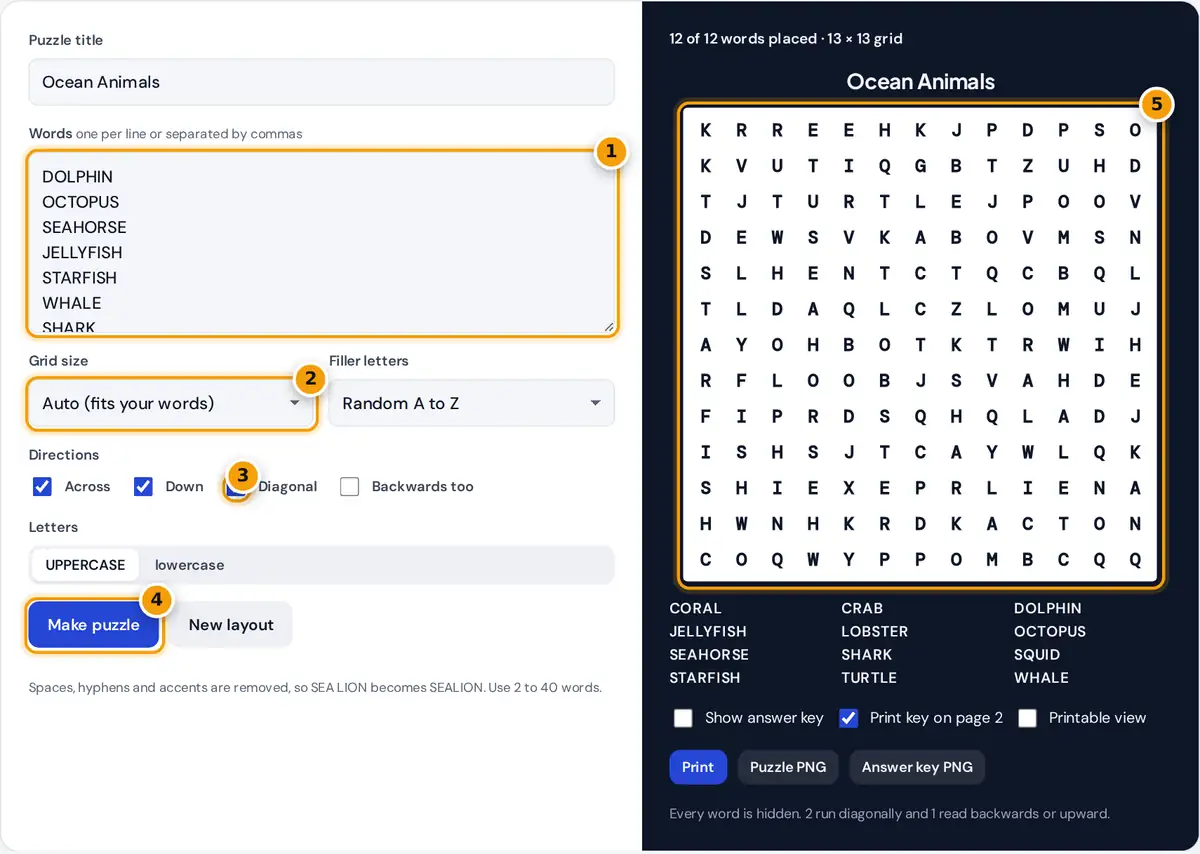
- Type your words, one per line or separated by commas.
- Choose a grid size, or leave Auto to fit your words.
- Pick the directions words can run, and tick Backwards too for a harder puzzle.
- Press Make puzzle, or New layout for a different arrangement.
- Check the puzzle, then print it with the answer key or download a PNG.
Give the puzzle a title and type your words, one per line or separated by commas. Leave the grid size on Auto to get the smallest grid that fits your list comfortably, or pick a size from 8 × 8 to 25 × 25. Choose which directions words may run and whether they can also read backwards. Filler letters can be random, or taken only from your own words, which makes the puzzle much harder.
The grid rebuilds as you type. Press New layout for a different arrangement of the same words. Tick Show answer key to highlight every hidden word. Print sends only the puzzle to the printer, with the answer key on a second page if you leave that option ticked. The PNG buttons save the puzzle or the key as an image for slides or a learning platform.
How the Puzzle Is Built
for each word, longest first: list every start cell and direction where it fits
a fit is allowed when each cell is empty or already holds the same letter
choose one at random, weighting positions that share letters
Placing long words first leaves room for short ones. Sharing letters where two words cross makes the grid denser and the puzzle more interesting. If a word cannot fit, the maker tries 40 more layouts and, in auto mode, grows the grid by one row and column at a time. Empty cells are then filled with random letters.
Example
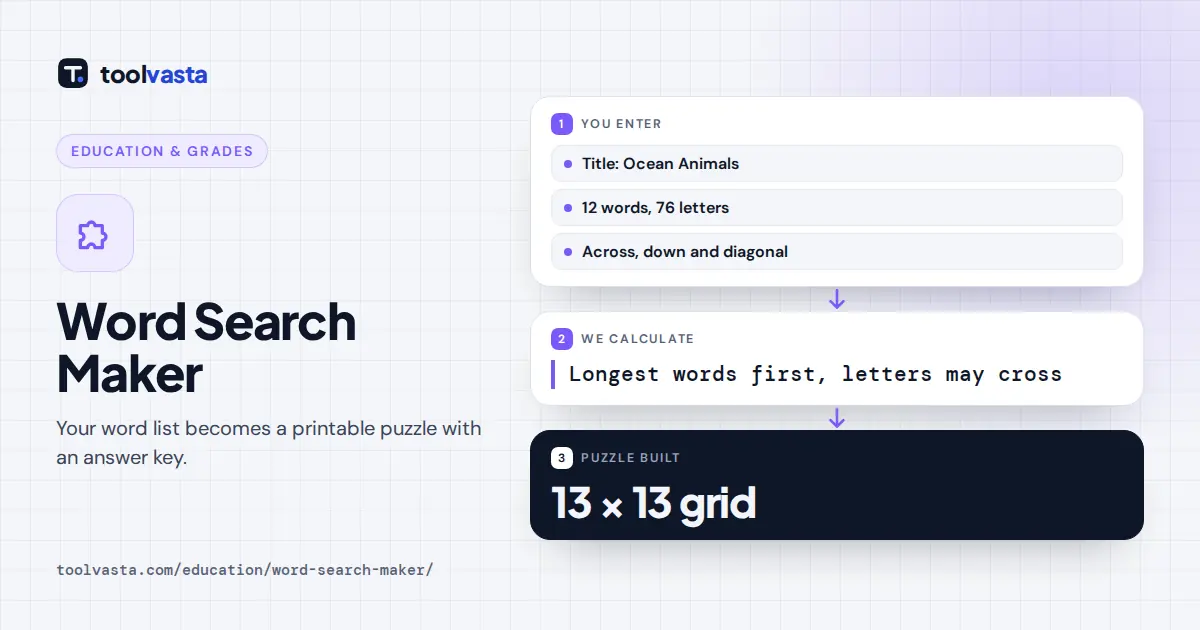
The sample list has 12 ocean animals with 76 letters in total. The longest word, JELLYFISH, has 9 letters. Auto size takes √(76 × 1.9) = 12.02, rounds it up to 13 and builds a 13 × 13 grid of 169 cells, so about 45% of the cells hold word letters and the rest are filler. With across, down and diagonal turned on, every word fits on the first try.
Difficulty Settings for Different Ages
| Level | Grid | Directions | Filler |
|---|---|---|---|
| Early readers | 8 × 8 to 10 × 10 | Across and down | Random |
| Grades 3 to 6 | 12 × 12 to 15 × 15 | Add diagonal | Random |
| Teens and adults | 15 × 15 to 20 × 20 | All, with backwards | Random |
| Expert | 20 × 20 or more | All, with backwards | Letters from my words |
Lowercase letters suit young children who are still learning letter shapes. Uppercase is easier to scan for most older students and adults.
Tips for Teachers and Parents
- Use vocabulary lists. Spelling words, science terms or a novel's characters turn the puzzle into revision.
- Keep the list visible. The word list prints under the grid in alphabetical order.
- Make a teacher copy. Leave Print key on page 2 ticked to get a marked answer sheet with every print.
- Check for accidental words. Random filler can occasionally spell a short word by chance. Press New layout if you spot one you do not want.
Word Search Ideas by Subject
- Spelling: this week's spelling list, with backwards words off for younger classes.
- Science: planets, parts of a cell, states of matter or animal groups.
- Languages: French or Spanish vocabulary. Accents are removed automatically, so été becomes ETE.
- Celebrations: words for a birthday, a holiday or a staff event.
- Reading: characters and places from a class novel.
Limits
Words use the letters A to Z only. Spaces, digits and punctuation are removed and accents are stripped, so CRÈME becomes CREME. Duplicate words are merged. Very long lists in a small fixed grid may not all fit, and any word that does not fit is crossed out in the list. Everything runs in your browser, so your words are never uploaded.
Frequently asked questions
How do I make a word search puzzle for free?
Type your words, choose a grid size and directions, and the puzzle builds instantly. Print it or download a PNG, with a matching answer key for checking.
Can I print a word search answer key?
Yes. Tick Print key on page 2 and the printer gets the puzzle on page one and a highlighted key on page two. You can also download the key as a separate PNG.
How many words can a word search have?
Up to 40 words here. For a 15 by 15 grid, 12 to 20 words of 4 to 10 letters usually gives a good balance between challenge and fun.
How do I make a word search harder?
Use a bigger grid, allow diagonal and backwards words, and choose letters from my words as filler. That makes fake partial matches much more common.
Why was one of my words not placed?
It was too long for the grid or there was no spot left in the allowed directions. Pick a bigger grid, turn on more directions or press New layout.
Can I use phrases or names with spaces?
Yes. Spaces and punctuation are removed, so ICE CREAM becomes ICECREAM. Show the phrase with spaces in your own word list if young solvers need help.