How to Use the Rubric Maker
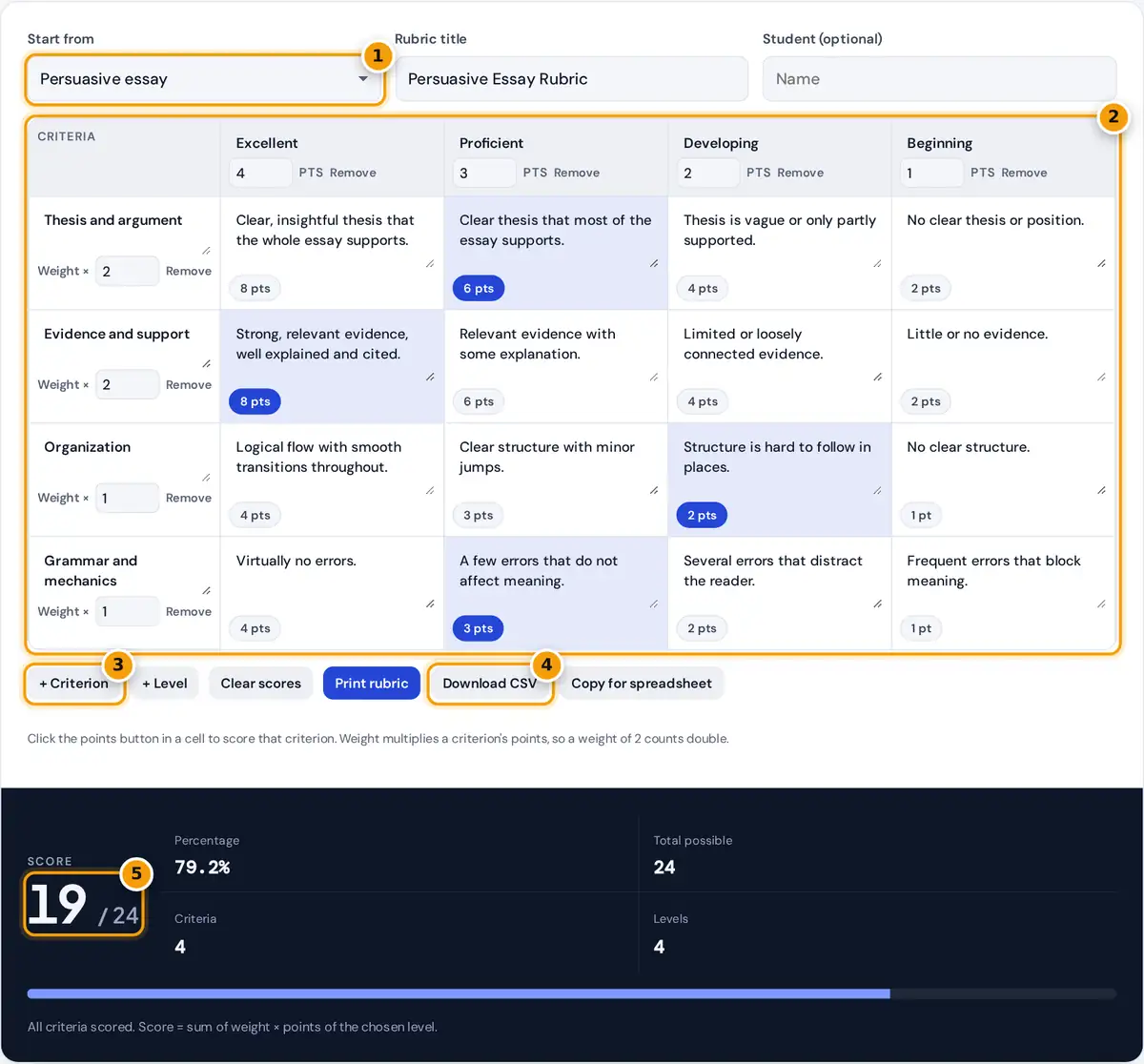
- Start from a template or a blank grid.
- Edit criteria, levels, points and weights, and click cells to score.
- Add criteria or levels as needed.
- Print the rubric or download it as CSV.
- Read the score and percentage.
Pick a starting template under Start from: a persuasive essay, an oral presentation, a lab report, a group project or a blank 3 by 3 grid. Every part of the grid is editable. Click a criterion name, a level name or a description and type over it, change the points in each level header, and set a weight for each criterion. Use + Criterion and + Level to grow the grid, and Remove to shrink it.
To grade a student, click the points button in the cell that best describes their work in each row. The score, the percentage and the progress bar update immediately. Print rubric prints a clean landscape copy with the chosen cells shaded, Download CSV saves it for Excel or Google Sheets, and Copy for spreadsheet copies it ready to paste into a sheet or a document table.
How the Score Is Calculated
Each level has a point value, and each criterion has a weight. A criterion's earned points are its weight times the points of the level you clicked. The total possible score uses the highest level for every criterion.
possible = Σ (weight × highest level points)
percentage = earned ÷ possible × 100
Worked Example
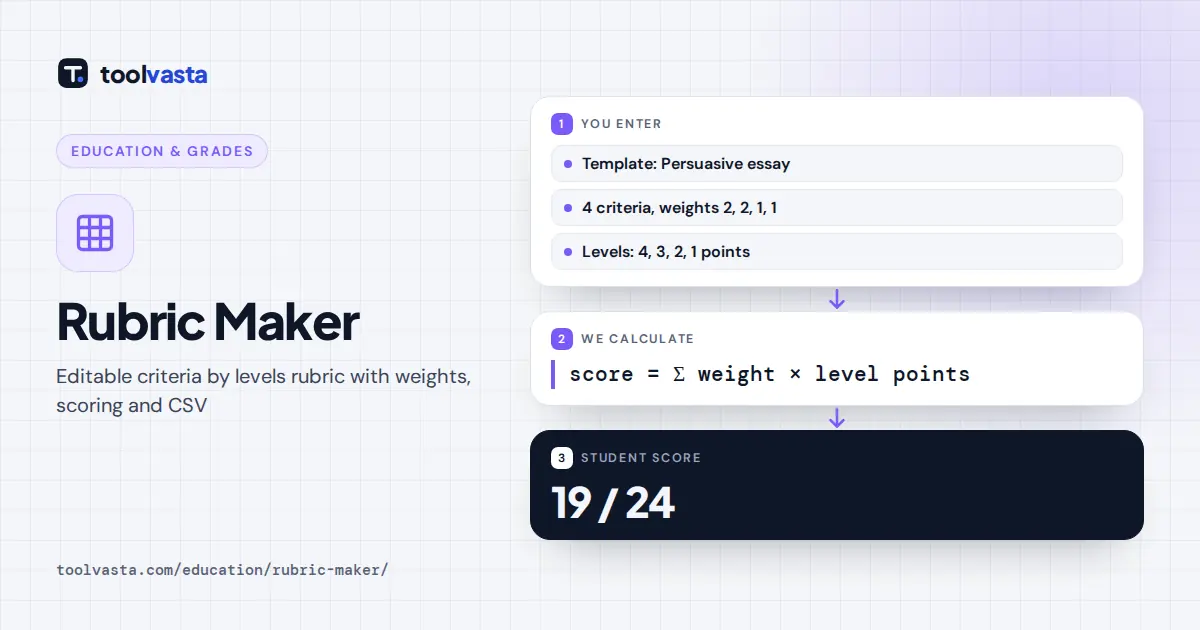
The essay template has four levels worth 4, 3, 2 and 1 points. Thesis and Evidence carry a weight of 2, while Organization and Grammar carry 1, so the total possible score is 4 × (2 + 2 + 1 + 1) = 24. The sample student scored Proficient on thesis (3 × 2 = 6), Excellent on evidence (4 × 2 = 8), Developing on organization (2 × 1 = 2) and Proficient on grammar (3 × 1 = 3). That adds up to 6 + 8 + 2 + 3 = 19 out of 24, and 19 ÷ 24 × 100 = 79.2%.
Analytic Rubrics and Weights
The grid this tool builds is an analytic rubric: separate criteria, each judged on the same scale of levels. It gives students specific feedback on what to improve, unlike a holistic rubric that assigns one overall level. Weights let you say what matters most without changing the scale. A weight of 2 on content and 1 on formatting tells students that ideas count twice as much as presentation.
| Template | Criteria | Levels | Possible points |
|---|---|---|---|
| Persuasive essay | 4 (weights 2, 2, 1, 1) | 4 to 1 | 24 |
| Oral presentation | 4 (weights 2, 1, 1, 1) | 4 to 1 | 20 |
| Lab report | 4 (weights 1, 1, 2, 1) | 4 to 1 | 20 |
| Group project | 4 (all weight 1) | 3 to 1 | 12 |
Tips for Writing a Clear Rubric
- Describe what you can observe. "Cites at least three sources" is clearer than "good research".
- Keep levels parallel. Each description in a row should change only in quality, not in topic.
- Use 3 to 5 levels. More levels make it hard to tell neighbors apart and slow down grading.
- Share it before the task. Students do better work when they know exactly how it will be judged.
Using the Rubric for Feedback
Share the blank rubric with students when you set the task, then print a scored copy for each student when you grade. The shaded cells show exactly which description matched their work, and the next level up shows what to aim for. For self-assessment, ask students to choose their own levels before submitting, then compare their choices with yours in a short conference. Saving a CSV for each class also gives you a record of which criteria most students found hard.
Limits and Privacy
The grid supports up to 12 criteria and 6 levels so it still prints on one landscape page. Points can be any number 0 or above, including decimals, and unscored criteria count as 0 until you click a level. Converting a percentage into a letter grade depends on your school's scale, so check your district or institution policy. Everything stays in your browser, and student names are never sent anywhere.
Frequently asked questions
How do I make a rubric for free?
Choose a template, then edit the criteria, level names, points and descriptions directly in the grid. Add or remove rows and columns as needed, and print the rubric or download it as a CSV file. No sign-up is needed.
How are weighted rubric scores calculated?
Each criterion's points are its weight times the points of the chosen level. The tool adds those up and divides by the maximum possible, which uses the top level for every criterion, then shows the percentage.
Can I grade students with this rubric?
Yes. Click the points button in the cell that matches the student's work in each row. The score and percentage update live, and Print rubric shades the chosen cells so you can hand the copy back as feedback.
Can I open the rubric in Excel or Google Sheets?
Yes. Download CSV saves a file that opens in Excel, Numbers and Google Sheets, with descriptions, weights, earned points and possible points. Copy for spreadsheet copies the same table to paste straight into a sheet.
How many levels should a rubric have?
Most teachers use 3 to 5 levels. Four levels, such as Excellent, Proficient, Developing and Beginning, avoid a middle option and make grading decisions clearer. Use 3 levels for quick checks and group work.
What is the difference between analytic and holistic rubrics?
An analytic rubric scores each criterion separately, which gives detailed feedback. A holistic rubric gives one overall level for the whole piece of work. This maker builds analytic rubrics, which you can weight by importance.